
The right TikTok tools save you time. The wrong ones add steps and cost. This guide covers five TikTok tools for small business that we checked in October 2026, what each does best and who should skip it.
The short answer: start free with TikTok Studio and CapCut. Add a scheduler like Loomly, Iconosquare or SocialPilot only when posting by hand gets in the way. Use music cleared for business, and skip tools that promise fast follower growth.
First, a reality check. TikTok is not the right home for every local business. We cover how to decide below.

In this post
- Should your business be on TikTok at all?
- The 5 TikTok tools at a glance
- 1. TikTok Studio: the free starting point
- 2. CapCut: for editing short videos
- 3. Loomly: a calendar plus replies
- 4. Iconosquare: analytics and scheduling
- 5. SocialPilot: scheduling at scale
- How to choose
- Use music that business accounts can legally use
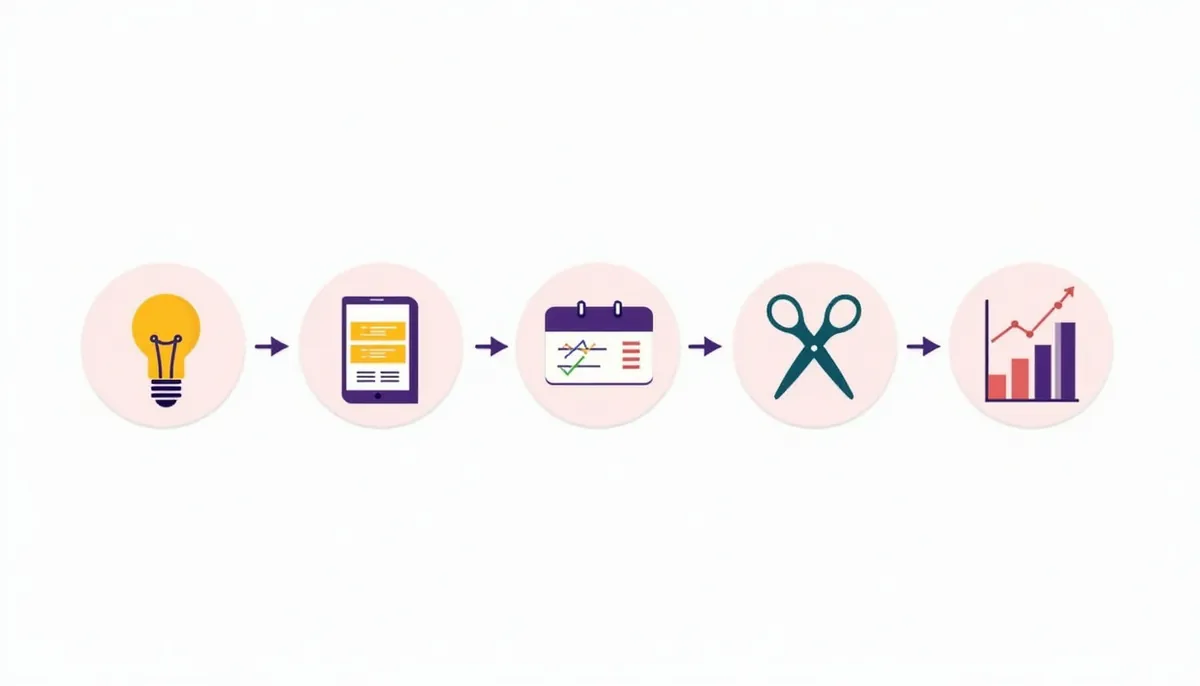
- A simple weekly TikTok workflow
- Tools to skip
- TikTok tools: common mistakes
- Next steps
Should your business be on TikTok at all?
Pew Research Center’s 2025 social media fact sheet found that 32% of U.S. adults say they use TikTok. Use is much higher among younger adults: 63% of ages 18 to 29, 44% of ages 30 to 49, 30% of ages 50 to 64 and 12% of ages 65 and up.
That means:
- Good fit: businesses that serve people under 40, or that have something fun to show, such as food, fitness, beauty, pets, home projects or events.
- Maybe: home service pros whose customers are mostly older homeowners. Short videos of real work can still help, but start on Facebook and YouTube first if that is where your buyers are.
- Poor fit: if you cannot film real work or keep a steady rhythm, wait.
Our post on social media for small business helps you decide where to put your time.
A note on the platform itself. Variety reported on December 19, 2025 that a deal to form a U.S. joint venture for TikTok was set to close January 22, 2026, and that advertisers should see no change. Rules and features can still shift, so check TikTok’s own help pages before you build a plan around any one feature.
The 5 TikTok tools at a glance
| Tool | Best for | Cost note | Skip if |
|---|---|---|---|
| TikTok Studio | Posting, scheduling and analytics from TikTok | Made by TikTok | You manage many platforms from one place |
| CapCut | Editing videos, captions and templates | Free online version | You never edit |
| Loomly | Planning a calendar, scheduling and replying to comments | 7-day free trial, no credit card | You post only a few times a month |
| Iconosquare | Analytics and scheduling across platforms | Check the current plans | You do not need reports |
| SocialPilot | Scheduling TikToks with direct publishing for several accounts | Free trial, no credit card | You only post from your phone |
Prices change often, so check each site for current plans before you buy.
1. TikTok Studio: the free starting point
TikTok Studio is TikTok’s own tool for managing your account. Social Media Today reported on January 9, 2025 that TikTok added post scheduling to its TikTok Studio management tool, so scheduling sits alongside posting and analytics.
Best for: small teams that want to post and check results without another login.
Good to know:
- It keeps everything inside TikTok, so there is no third-party access to set up.
- Features vary by account type and region. Check what your account shows.
Our take: begin here. If it does what you need, you may never need a paid tool.
2. CapCut: for editing short videos
CapCut is a video editor made for short social video. Its site describes an AI-powered photo and video editor and offers a free online version that needs no card. It lists tools for auto captions, caption templates, trimming, background removal and templates for TikTok and Reels. It works on desktop, in the browser and on mobile.
Best for: trimming clips, adding captions and making a simple branded look.
Good to know:
- A free version exists, but some features may need a paid plan. Check what you need before you build a routine around it.
- Captions help because many people watch without sound.
- Always watch the finished video on a phone before you post.
Our take: a good fit if you film on your phone and want quick edits.
3. Loomly: a calendar plus replies
Loomly is a social media calendar. Its TikTok page says you can schedule and auto-publish TikToks, preview a post, choose a cover image, turn comments, stitches and duets on or off, save hashtag collections, and manage TikTok comments with saved replies. Its home page offers a 7-day free trial with no credit card.
Best for: owners who want one calendar for several platforms and a way to handle comments.
Good to know:
- It covers more than TikTok. Its site lists Facebook, Instagram, LinkedIn, YouTube, Pinterest, Google Business Profile and Threads.
- Plans change, so compare current ones.
Our take: worth a look if you already plan a week of posts at one time.
4. Iconosquare: analytics and scheduling
Iconosquare is an analytics and scheduling tool. Its site says it covers analytics and scheduling for TikTok along with Instagram, Facebook, LinkedIn, X, Threads, Pinterest and YouTube, and that it can help you find the best times to post.
Best for: owners who want charts and reports across platforms.
Good to know:
- Analytics help only if you act on them. Set a monthly review.
- Check what each plan includes, since features differ.
Our take: useful if reporting is important to you or your boss. Skip it if you only need to post.
5. SocialPilot: scheduling at scale
SocialPilot has a TikTok scheduler. Its page says it uses Direct Publishing to post at the time you set, includes an editorial calendar, a content library and privacy settings, and lets you schedule up to 500 posts at once for multiple accounts. It offers a free trial with no credit card.
Best for: agencies or owners who run several accounts.
Good to know:
- You must connect your TikTok profile and give access.
- A tool is only as good as your content. A scheduler cannot fix a weak video.
Our take: a fit if you manage more than one location or brand.

How to choose
Use this simple path:
- Start with TikTok Studio and CapCut. Both fit a one-person team.
- Add a scheduler only if you often miss posts or manage many accounts.
- Add analytics only if you will read the reports and change what you do.
- Test for a month. Use a free trial. Cancel what you do not use.
Ask three questions before you pay for any tool:
- Does it solve a problem I have today?
- Will I use it every week?
- Can I do the same thing free inside TikTok?
Use music that business accounts can legally use
This is the most missed step. TikTok’s page on the Commercial Music Library describes it as a pre-cleared global music library of 1 million songs, free for businesses. It says that “Businesses cannot use the general music library for commercial usage,” and that the library is the place to find music for organic content, video ads and branded content.
So if you post as a business, pick sounds from the Commercial Music Library, or use music you have a license to use. Do not use a hit song just because it is trending.

A simple weekly TikTok workflow
A weekly workflow for one person
- 110 minutes. Pick one idea from a customer question, such as “what does a tune-up include?”.
- 220 minutes. Film two or three short clips on your phone in good light.
- 320 minutes. Edit with captions in CapCut or your editor of choice.
- 45 minutes. Add a clear caption. Name the town you serve. Add a call to action.
- 55 minutes. Schedule or post. Reply to comments within a day.
Do this once or twice a week. Check results each month. Our post on video marketing ideas has seven things to film. Our guide to website photos without stock shows how to capture real work.
Tools to skip
We removed two tools from an earlier version of this post. One was a free video editor whose website now redirects to an unrelated site. The other was an automation service built on mass following and unfollowing. We do not recommend that tactic. It aims to inflate your numbers, not to reach buyers. The FTC’s rule on fake reviews and testimonials also bars buying or selling fake indicators of social media influence, such as bot followers or views, when the buyer knew or should have known they were fake. Real followers matter more than a bigger number.
Be careful with any tool that asks for your password, promises “instant followers” or makes big claims. If it sounds too easy, skip it.
TikTok tools: common mistakes
- Paying for tools before you have a posting habit.
- Using a trending song that your business account cannot use.
- Posting the same video everywhere without checking the format.
- Letting a scheduler post and then never answering comments.
- Watching views and ignoring calls and form leads.
- Buying followers.
Frequently asked questions
What is the best tool for editing TikTok videos?
CapCut is a common pick for short videos. It has a free online version with captions and templates. Use whichever editor you will open every week.
Can I schedule TikToks?
Yes. TikTok Studio offers scheduling, and tools such as Loomly, Iconosquare and SocialPilot also schedule TikToks. Check each for current limits.
Are TikTok tools free?
Some have free versions or free trials. Loomly and SocialPilot list free trials without a credit card. Plans change, so check before you rely on one.
Can a business use any song on TikTok?
No. TikTok says businesses cannot use the general music library for commercial usage. Use the Commercial Music Library or music you are licensed to use.
How do I know if TikTok will bring me customers?
Track calls and forms that mention TikTok, and ask new customers where they heard of you. Our post on tracking calls and forms explains the idea.
Should I hire someone to run TikTok?
If you cannot keep a steady schedule, maybe. Pick someone who will film real work from your business.
Next steps
Open TikTok Studio, make one video this week and check how it did. Then decide if you need another tool. If you would like help planning video, social media and your website together, see our social media marketing services and digital marketing services.
Want help with this in Carlisle or Central PA?
Webfactory Media is a Carlisle, PA agency. See our content marketing in Carlisle and social media marketing services pages, or call (888) 849-2397 and we will look at your site for free.