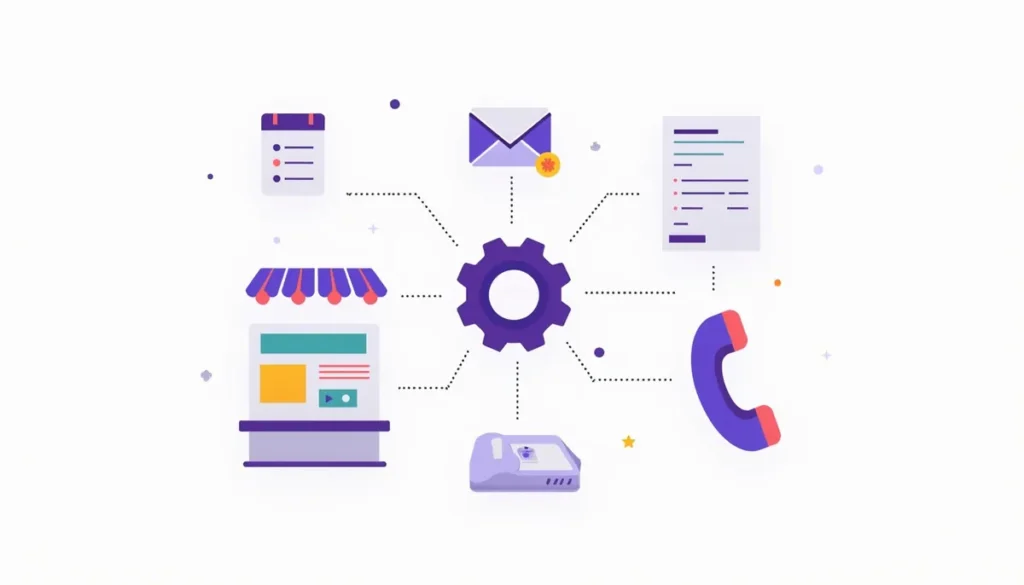
This beginner’s guide to AI automation for small business explains the words, the tools and a safe first week, with no jargon. AI automation means software that does routine work for you: it reads messages, writes drafts, sorts information and sends reminders. You do not need to code, and you do not need a big budget. You do need a clear first task and the habit of checking the results. Updated October 2026. This guide is part of our AI marketing automation guide.
Table of contents
- Beginner’s guide to AI automation in 60 seconds
- The words you will see, in plain English
- Three kinds of tools
- Myths that trip up beginners
- Are you ready? A five-item check
- Your first seven days
- Seven safe-start rules
- How to read AI sales claims
- What to ignore for now
- Mistakes to avoid
- Frequently asked questions
- Next steps
Beginner’s guide to AI automation in 60 seconds
Picture a very fast assistant who can read and write but knows nothing about your business unless you tell it. It never gets tired. It also never knows when it is wrong.
That is the whole idea. AI is good at reading and writing text. Automation is good at doing the same steps every time. Put them together and you can hand off routine work, like a first reply to a new lead or a reminder before an appointment. You stay in charge of anything that needs judgment.
The best data we have says adoption is growing but uneven. The U.S. Chamber of Commerce’s 2026 survey found 66% of small businesses use AI. The Census Bureau, using a different question, found overall use of 17% to 20% from December 2025 to May 2026, and fewer than 20% among firms with four or fewer employees. See the Chamber’s report and the Census Bureau report. Both agree that use is rising. If you are just starting, you are in good company.
The words you will see, in plain English
| Term | What it means |
|---|---|
| AI (artificial intelligence) | Software that does tasks that normally need human thinking, such as reading or writing |
| Generative AI | AI that creates new text, images or audio from a request. ChatGPT, Gemini, Claude and Copilot are examples |
| Automation | Software that does fixed steps for you when something happens |
| Workflow | A chain of steps, such as “form comes in, add to CRM, send reply” |
| Trigger | The event that starts a workflow, such as a new form |
| Action | A step that happens after the trigger, such as sending a text |
| Prompt | Your request to an AI tool |
| Chatbot | A tool that chats with people, usually on a website, using set answers or AI |
| AI agent | A tool that is given a goal and takes steps on its own. The Chamber’s survey describes one as a tool that can “automate processes or perform tasks without direct user guidance” |
| Hallucination | When an AI states something false as if it were true |
| CRM | Customer relationship management software: the place where your leads and customers are tracked |
| Integration | A link between two tools so they share information |
If you only remember three: prompt, workflow and hallucination.
Three kinds of tools
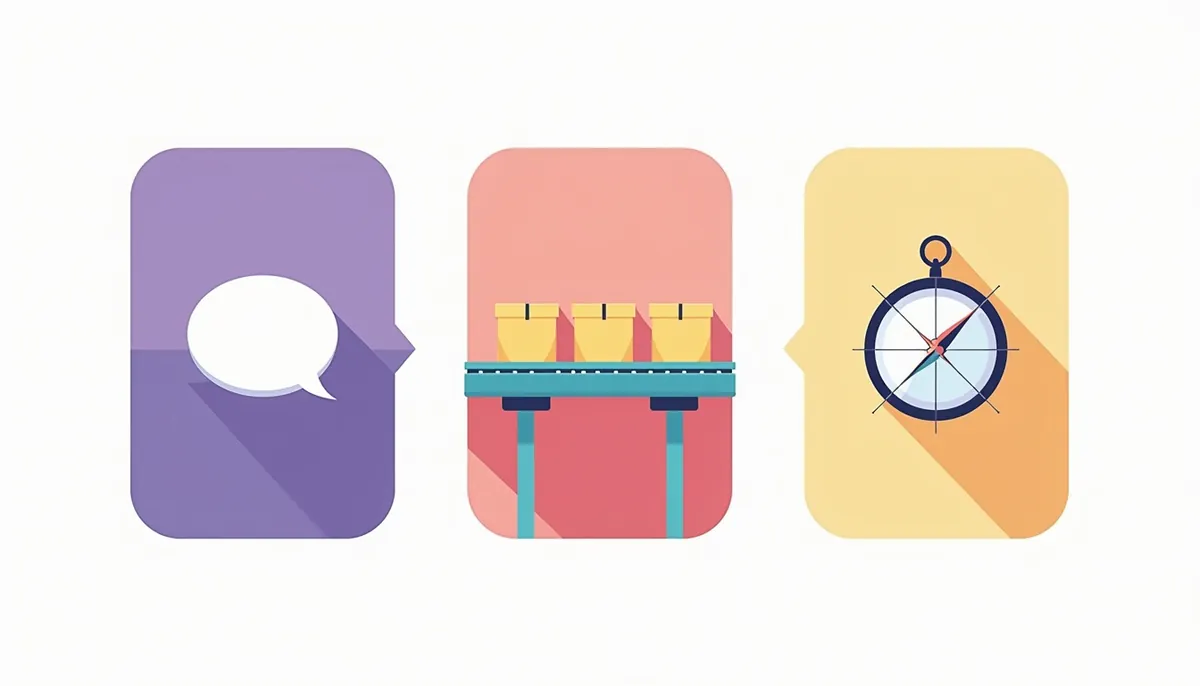
Most tools fall into one of three groups. Knowing which one you are using tells you what to watch.
| Kind | How it works | Example | Main risk |
|---|---|---|---|
| Assistant | You ask, it answers | Drafting a reply in an assistant | Wrong or made-up details |
| Automation | It runs steps when something happens | A reminder text before an appointment | A broken step that fails quietly |
| Agent | It decides steps to reach a goal | A tool that works through your inbox | Doing something you did not intend |
Zapier, a major automation platform, says AI can be added “in a workflow, as an agent, or a customer chatbot.” In the Chamber’s survey, 41% of small businesses used a generative AI chatbot and 24% used an agentic AI tool. Beginners should start with assistants and simple automations. Agents come later, with narrow jobs and close watching.
Myths that trip up beginners
“AI is accurate.” It is not always. Google’s guidance says, “It is critical to manually factcheck and review all AI-generated content for accuracy and trustworthiness before publishing.” See the Google guidance.
“I can blame the chatbot.” You cannot. In a 2024 case, a tribunal held Air Canada responsible for wrong information its chatbot gave a customer. The customer was awarded $812.02 in damages and fees. The tribunal member wrote, “It should be obvious to Air Canada that it is responsible for all the information on its website.” See the news report.
“I need to code or spend a lot.” Most small business tools use forms and menus, and the Chamber found that 41% of small businesses use free AI tools.
“It will save me 20 hours a week.” The Federal Reserve Bank of St. Louis found that U.S. workers who used generative AI saved an average of 5.4% of their work hours, about 2.2 hours in a 40-hour week. Results vary by task. See the St. Louis Fed analysis.
“It will replace my staff.” In the Chamber’s survey, 47% of owners said AI is creating jobs and 6% said it is enabling headcount reductions. It is early data, but it points away from the fear.
Are you ready? A five-item check
You do not need to be a tech expert. You do need these five things.
- ☐ A short list of repeated tasks. Write down three things you do over and over.
- ☐ One person responsible. Often that is you.
- ☐ A place where leads and customers are kept. A spreadsheet is fine to start. A CRM is better.
- ☐ Approved facts. Your hours, services, service area and policies, written down so you can give them to a tool.
- ☐ A “never paste” list. Card numbers, passwords, health details and private contracts stay out of AI tools.
If you are missing one, make it your first job this week.
Your first seven days

- Day 1: List. Write down the three most repeated tasks. Estimate the minutes each takes per week.
- Day 2: Choose. Pick the one where a mistake would be cheap and easy to fix.
- Day 3: Measure. Time it properly for the day. Write the number down.
- Day 4: Try. Use a free assistant to draft the output. Use the five parts in the next section.
- Day 5: Check. Compare the result with what you would have done. Fix the prompt.
- Day 6: Use it for real. A person approves everything that reaches a customer.
- Day 7: Decide. Compare minutes. Keep it, change it or drop it. Write down what you learned.
The five-part request
A good prompt has five parts: who the AI is, what you want, what it needs to know, how it should look and what to avoid. Here is an example for a small landscaper.
> You are the office manager of a small landscaping company in central Pennsylvania. Write a friendly reply of under 80 words to a customer who asked about spring cleanup. Use only these facts: we book up by April, we serve Cumberland County, we offer free estimates. Do not give a price or promise a date. End by offering a phone call.
Short, specific and safe.
Seven safe-start rules
- A person approves anything customers see, at least at first.
- Never paste private data. Check each tool’s privacy and training settings, which differ by vendor and plan. For example, Anthropic’s pricing page says that for its Team plan, “Models are not trained on your content by default.” Personal plans can differ.
- Give a way to reach a human. Every chat or message should have one.
- Tell people when a bot is talking.
- Start with one task. Measure it.
- Keep a log. Save what the tool sent.
- Have an off switch. Know how to stop it quickly.
How to read AI sales claims
AI is a hot topic, and some sellers overpromise. The Federal Trade Commission announced a set of actions in September 2024 against companies it said made deceptive AI claims. FTC Chair Lina Khan said at the time, “The FTC’s enforcement actions make clear that there is no AI exemption from the laws on the books.” The cases covered overstated claims about what an AI product could do, get-rich schemes built around AI, and an AI tool that generated fake reviews. See the FTC announcement.

Here are questions to ask any seller, including us:
- What exactly will the tool do, and what will a person still have to do?
- Can I see it work on a real example, with my kind of data?
- What happens when it gets something wrong?
- Who owns the accounts, the data and the setup if I leave?
- What does it cost to keep running, month to month?
- What proof do you have, and where does it come from?
Be careful with big promises: “certain” results, “replace your staff” or “set it and forget it.” Real automation needs setup, testing and upkeep.
What to ignore for now
- Tools for jobs you do not have.
- Custom AI models, until a simple tool has shown the task is worth it.
- Courses that promise quick riches from AI.
- Complicated agents for tasks a simple rule can handle.
Mistakes to avoid
- Starting with the biggest task. Win small first.
- Skipping the baseline. Time the task before you automate it.
- Using AI where plain rules would work. Reminders do not need AI.
- Not telling the team. Share the rules and the “never paste” list.
- Trusting it blindly. Check facts, numbers and promises every time.
Frequently asked questions
What is AI automation in simple terms?
Software that does routine work for you, using AI to read and write and rules to decide when things happen.
Do I need to know how to code?
No. Most small business tools use forms and menus. If a step needs code, simplify it or get help.
What should a beginner automate first?
A task that repeats weekly, has clear steps and is cheap to fix when wrong. Reminders, first replies to leads and call summaries are common starts. Our guide to 7 easy ways small businesses can use AI has starter prompts.
How much does it cost to start?
Often nothing. Many tools list free plans. See our guide to affordable AI automation for a budget ladder.
Is AI automation safe?
It can be, with the right habits: a person approving customer messages, no private data in prompts, a way to reach a human and an off switch.
What is the difference between AI and automation?
Automation follows fixed steps. AI handles messy language. The best setups use both.
What should I read next?
Our guide to building your first workflow is the natural next step, and the complete AI marketing automation guide covers the whole picture.
Next steps
Do Day 1 of the plan today. Write down three repeated tasks and estimate the minutes. If you would like a second set of eyes on where to start, book your strategy call. We will look at your tasks and your tools and tell you what is worth doing first and what can wait.
Related guides
- AI Marketing Automation for Small Business: The Complete Guide
- AI Automation for Small Business: What It Can Do Today
- Small Business Automation With AI: Build Your First Workflow
- 12 AI Tips for Small Business Owners Short on Time
- AI Lead Follow-Up for a Small Business
- Our AI marketing automation service
How many leads are you losing?
Try our free Lead Leak Calculator to see what missed calls and slow follow-up cost your business each month. Then see how our AI marketing automation follows up on every lead for you, or call (888) 849-2397 for a free lead review.
Part of our guide: AI Marketing Automation for Small Business: The Complete Guide.