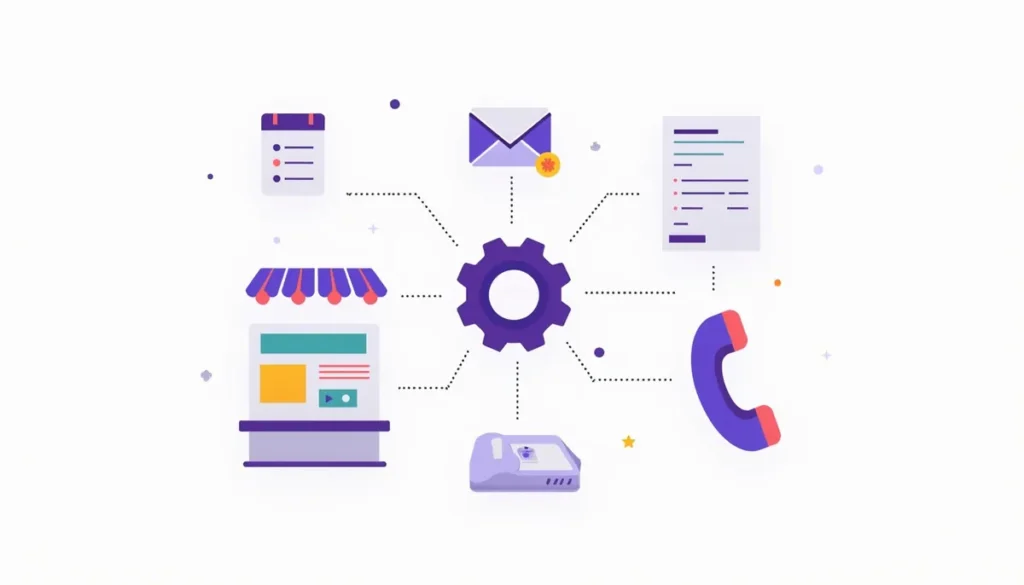
AI automation for small business means software that does routine work for you: it sorts messages, drafts replies, reads documents, books appointments and sends reminders. It works well on repeatable tasks. It works badly on anything that needs judgment, exact facts or a human touch. This guide shows what it can do today, what it still gets wrong, and how to choose a first task. It is part of our AI marketing automation guide. Updated October 2026.
Table of contents
- The short answer
- What AI automation for small business means in 2026
- Six jobs AI automation does well today
- What AI automation still gets wrong
- A decision table: what to automate and what to keep
- How much work does it actually save?
- Who is actually using it?
- How to pick your first task
- Common mistakes
- Frequently asked questions
- Next steps
The short answer
Think of three buckets. Some jobs are safe to hand over. Some are fine if a person checks the result. Some should stay with you.
- Safe to automate: reminders, confirmations, sorting forms into the right folder, copying details from one tool to another.
- Fine with a quick check: first drafts of replies, call summaries, social posts, reading invoices and pulling out the numbers.
- Keep with a person: prices, promises, complaints, legal or medical advice, and anything where one wrong word costs you money.
The rest of this guide explains why, with real data on who uses AI and what it saves.
What AI automation for small business means in 2026
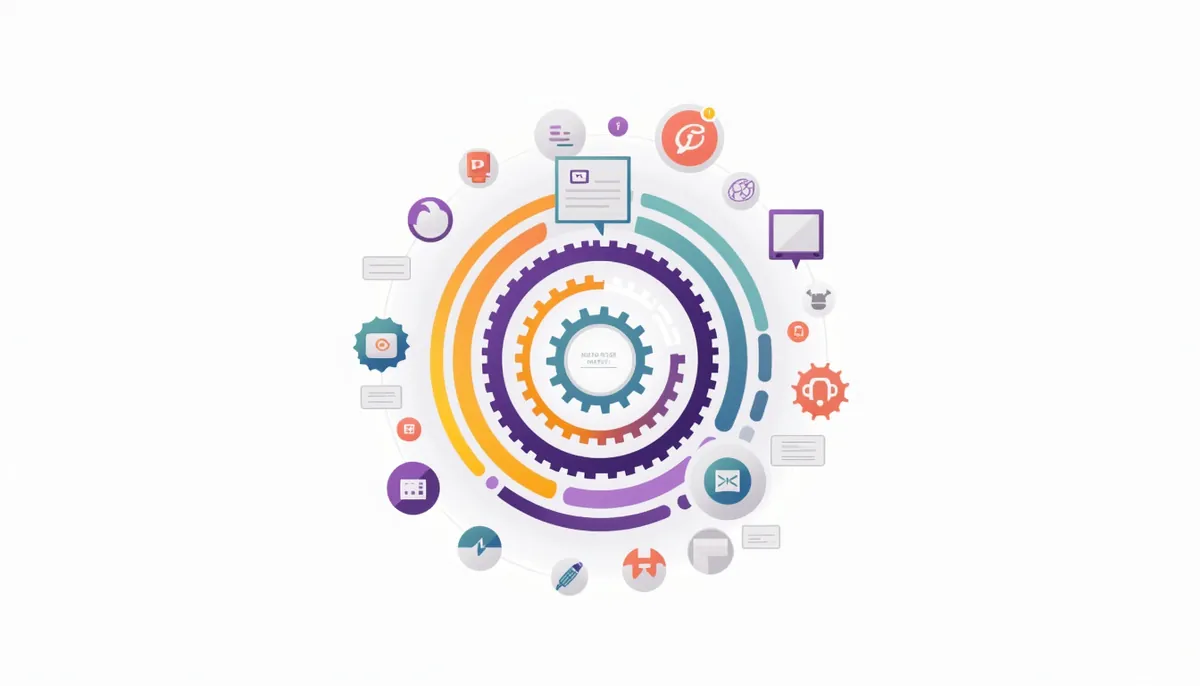
The phrase covers three layers. Most small businesses use the first two.
Layer 1: rules automation
You set a trigger and an action. When a form is filled out, add the person to your list and send a thank-you text. There is no AI in this layer. It does exactly what you told it to, every time. It is the most reliable layer, and it is where most businesses should start.
Layer 2: AI inside the workflow
Here an AI step handles the messy part. It might read an email and decide whether it is a quote request or a complaint. It might draft a reply in your tone. Zapier, one of the main automation platforms, describes adding AI “in a workflow, as an agent, or a customer chatbot.” The rules still decide what happens next. The AI only helps with reading and writing.
Layer 3: AI agents
An agent is given a goal and decides on its own steps. The U.S. Chamber of Commerce survey describes an agentic tool as one that can “automate processes or perform tasks without direct user guidance.” The Chamber’s 2026 small business report found that 24% of small businesses already use an agentic AI tool. Agents are the newest layer and the hardest to control. Give them narrow jobs, limited access and a person who reviews the results.
Six jobs AI automation does well today
These are the tasks where the tools are mature enough to rely on, with the right checks in place.
1. Sorting and routing incoming messages
Leads, questions, invoices and spam all land in the same inbox. An AI step can label each one and send it to the right person or folder. A wrong label is easy to spot and cheap to fix, so the risk is low.
2. Drafting replies and follow-ups
AI is good at a first draft. Give it your usual answer to a common question and ask for a short, friendly reply. You edit and send, or you let a rule send a fixed template for simple cases. Keep a person in charge of anything that names a price or a date.
3. Reading documents and pulling out the details
This is a real time saver for paperwork. QuickBooks now describes tools that create bills “from notes, PDFs, photos, and emails you forward,” and that draft invoices for quick review. The same page says plainly that “Intuit Intelligence can make mistakes.” That is the right mindset: let the tool do the typing, and you check the totals.
4. Scheduling and reminders
Booking links, confirmations and “see you tomorrow” texts cut no-shows and phone tag. This is mostly rules automation, with AI used to suggest times or reply to scheduling emails. It is a safe place to begin.
5. Summarizing calls and meetings
Note-taking tools record a call, write a transcript and produce a short summary with action items. Fathom’s free plan lists unlimited recordings, transcripts and AI summaries. Always tell people when you record, and read the summary before you rely on it.
6. Answering common questions
A website chatbot can answer hours, service area and “do you do X?” at any time of day. It can also collect a name and phone number for you to call back. It needs written, approved answers and a clear way to reach a person. Our guide to AI chatbots for a small business website covers how to set one up carefully.
What AI automation still gets wrong
Knowing the limits protects you more than knowing the features.
It states wrong things with confidence. Google’s own guidance says, “It is critical to manually factcheck and review all AI-generated content for accuracy and trustworthiness before publishing.” That applies to your website, your emails and your ads.
You own what your tools say. In a 2024 case, a tribunal held Air Canada responsible for wrong information its chatbot gave a customer. The tribunal member wrote, “It should be obvious to Air Canada that it is responsible for all the information on its website.” The customer was awarded $812.02 in damages and fees. The amount was small. The lesson is not. If your chatbot promises a refund, you may have to honor it, as this news report describes.
It does not know your business unless you tell it. Without your price list, hours and policies, it will guess. Write those down and give them to the tool.
It cannot read the room. An upset customer needs a person. So does a grieving family, a big quote or a delicate negotiation.
A decision table: what to automate and what to keep
Use this table to sort your own task list. Fit means how well the task suits automation today.
| Task | Fit | Who stays involved | Main risk |
|---|---|---|---|
| Appointment reminders | High | Nobody, after setup | Wrong time zone or date |
| Sorting form and email leads | High | You spot-check weekly | Mislabeled lead |
| First reply to a new lead | High with a template | You handle the call | Wrong promise |
| Drafting social posts and emails | Medium | You edit every one | Off-brand or false claims |
| Pulling data from invoices | Medium | You check totals | Misread numbers |
| Call and meeting summaries | Medium | You read before sharing | Missed detail |
| Answering price questions | Low | A person | Quoting the wrong price |
| Handling complaints | Low | A person | Making things worse |
| Legal, tax or medical advice | Very low | A licensed professional | Real harm |
How much work does it actually save?
Be careful with big claims. Many “save 20 hours a week” claims online come from companies that sell the tools.
One of the better sources is the Federal Reserve Bank of St. Louis, which surveyed U.S. workers in November 2024. Among people who used generative AI, the average time saved was 5.4% of their work hours. For a 40-hour week, that is about 2.2 hours. Across all workers, including people who do not use AI, it was 1.4% of total hours. The authors note the survey measures time saved, not the quality of the work. See the St. Louis Fed analysis.
So the honest picture is modest and real. A couple of hours a week is common for someone who uses the tools well. Bigger savings come from automating a specific, repeated task such as follow-up or data entry, not from “using AI” in general. To find your own number, use the method in our post on how AI automation saves time and money.
Who is actually using it?
Two respected surveys give very different answers, and both are useful.
- The U.S. Census Bureau’s business survey found that overall AI use ran between 17% and 20% from December 2025 to May 2026. Among firms with four or fewer employees, less than 20% used it. Use rose among firms with 20 or more employees but did not change much for smaller ones. See the Census Bureau report.
- The U.S. Chamber of Commerce surveyed 3,732 small businesses in July and August 2026 and found that 66% use AI. That is up from 58% a year earlier. It counts tools like chatbots, writing assistants and design apps. See the Chamber’s 2026 report.
The two surveys ask different questions of different groups, so the numbers do not match. What they agree on is the direction: use is rising. They also agree that many owners are still on the sidelines. The Federal Reserve Bank of Minneapolis reports that among firms not planning to use AI, the most common reason is that it does not seem to apply to their operations. That is a fair answer for some businesses. Our post on why small businesses need AI, and when they do not helps you decide.
How to pick your first task
Use these four questions. A good first task gets a “yes” on all four.
- Does it repeat at least weekly? Repetition is where the savings add up.
- Does it follow a pattern you can write down? If you can explain the steps, a tool can follow them.
- Is a mistake cheap and easy to catch? Start where errors are small.
- Can you measure it? Count the minutes now so you can compare later.
Then write the task as a short script: what starts it, what the tool does, and where a person checks. Our guide to building your first workflow walks through that step by step.
Common mistakes
- Automating a broken process. If the manual way is confusing, the automated way will be confusing faster. Fix the process first.
- Starting with the hardest task. Win small, then build.
- Letting AI talk to customers with no safety net. Add a way to reach a person.
- Skipping the baseline. Without a starting measurement, you cannot prove it worked.
- Pasting private data into any tool. Check how each tool stores and uses what you enter. For example, Anthropic’s pricing page says that for its Team plan, “Models are not trained on your content by default.” Free and personal plans can differ, so read the settings for the plan you use.
- Making claims you cannot support. The FTC has said there is “no AI exemption from the laws on the books.” If you advertise an AI feature, make sure it does what you say.
Frequently asked questions
Is AI automation only for tech-savvy owners?
No. Many tools work through simple forms and menus. If you can set up an email account, you can set up a basic automation. You do need patience to test it before you rely on it.
Will AI automation replace my employees?
The evidence so far points the other way for small firms. The Chamber’s survey found that 47% of owners say AI is creating jobs, while 6% say it is enabling headcount reductions. The Minneapolis Fed reports that about 96% of firms using AI saw no change in total employment over six months. Small samples and short time frames mean this can change. For most small teams, the near-term effect is less typing and more time for customers.
What is the difference between automation and AI?
Automation follows fixed rules you set. AI handles messy input such as free-form text. Most useful setups combine both: rules for the steps, AI for the reading and writing.
Do I need a CRM first?
It helps, because a CRM is the place where leads and follow-up live. You can start with simpler tools, but you will outgrow them. See our guide on CRM integrations for what to connect first.
Is it safe to put customer data into AI tools?
It depends on the tool and the plan. Read the privacy and training settings, use business plans where they exist, and never paste payment details, passwords or health records. When in doubt, leave it out.
How long until I see results?
For a single, well-chosen task, you can usually tell within a few weeks whether it saves time. Track the minutes before and after. We do not promise results, because they depend on your tasks, your tools and your team.
Next steps
Pick one repeated task this week. Time it for five days. Then decide whether it fits the table above. If you would like a second set of eyes on where AI could help in your business, book your strategy call. We will look at how work moves through your business and tell you what is worth automating and what is not.
Related guides
- AI Marketing Automation for Small Business: The Complete Guide
- AI Lead Follow-Up for a Small Business
- Small Business Automation With AI: Build Your First Workflow
- The Beginner’s Guide to AI Automation for Small Business
- Our AI marketing automation service
How many leads are you losing?
Try our free Lead Leak Calculator to see what missed calls and slow follow-up cost your business each month. Then see how our AI marketing automation follows up on every lead for you, or call (888) 849-2397 for a free lead review.
Part of our guide: AI Marketing Automation for Small Business: The Complete Guide.