Small business automation with AI works best when you build one small workflow, test it, and only then add more. This guide shows you how: the basic vocabulary, how to choose your first task, a full worked example you can copy, a test checklist and the guardrails that keep it safe. Updated October 2026. It is part of our AI marketing automation guide.
Table of contents
- Small business automation with AI: the four terms to know
- Rules or AI? Use the simplest thing that works
- Choose your first workflow with a simple score
- A worked example: reply to every new web lead
- Pick a tool you can afford to test
- Test it before a real customer sees it
- Guardrails: how to keep it safe
- Keep it working: a monthly check
- Three more first workflows to try
- Common mistakes
- Frequently asked questions
- Next steps
Small business automation with AI: the four terms to know
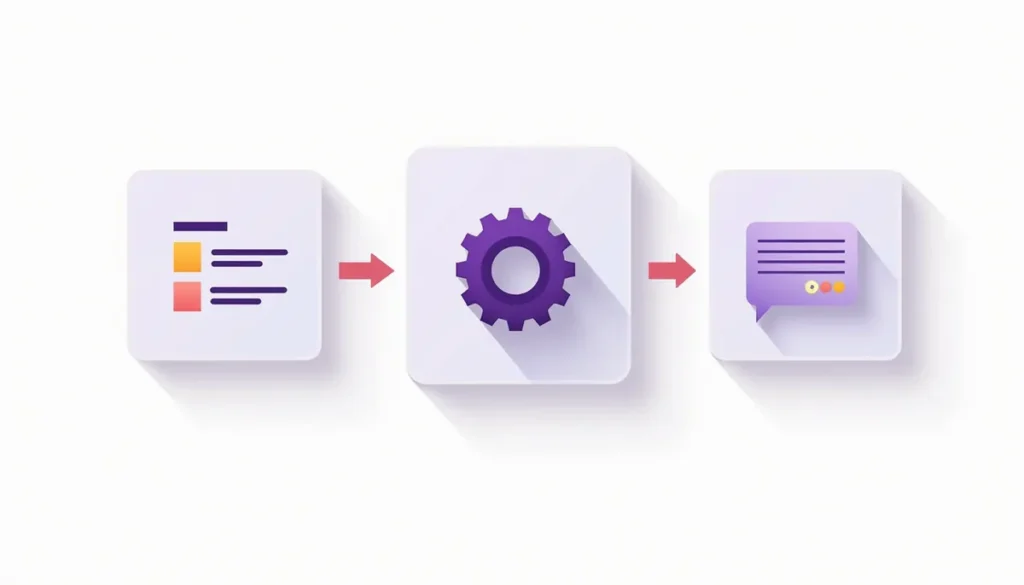
A workflow is a chain of steps that runs without you. Four terms cover almost everything.
- Trigger: the event that starts it. A form is submitted. A call is missed. A quote is sent.
- Action: what happens next. Send a text. Add a contact. Create a task.
- Filter or rule: a yes or no check. Only continue if the lead is in your service area.
- AI step: a step where the tool reads or writes language. It classifies a message, pulls details out of an email or drafts a reply.

Add one more: the person step. This is where a human approves, edits or takes over. In a good first workflow, the person step comes before anything risky.
Rules or AI? Use the simplest thing that works
Plain rules are cheaper and more predictable. Use AI only when the input is messy.
| Situation | Use rules | Use an AI step |
|---|---|---|
| Send a reminder 24 hours before a booking | Yes | No |
| Add every form submission to your CRM | Yes | No |
| Decide if an email is a quote request or a complaint | Maybe, with keywords | Yes, it reads meaning |
| Pull the address and job type out of a free-text message | No | Yes |
| Write a friendly first reply in your tone | Template for fixed cases | Yes, for a draft you approve |
| Decide whether to give a discount | No, a person decides | No |
A good rule of thumb: let rules control when and who. Let AI help with what it says and what it means.
The U.S. Chamber of Commerce’s 2026 survey found that 64% of small businesses mostly or entirely use AI tools built by other companies, and only 8% build their own. That is the right plan for you. Use existing tools and connect them. Do not build from scratch. See the Chamber’s 2026 report.
Choose your first workflow with a simple score
Write down five tasks you do often. Score each from 1 to 3 on four questions. Higher is better. Add them up and start with the highest total.
| Question | 1 point | 3 points |
|---|---|---|
| How often does it repeat? | Monthly | Daily or weekly |
| Can you write the steps down? | Mostly judgment | Clear steps |
| What does a mistake cost? | A lot | Little, easy to fix |
| Can you measure it? | Hard to count | Easy to count |
Here is an example with made-up tasks for a service business. The scores are our illustration, not data.
| Task | Repeat | Clear steps | Mistake cost | Measure | Total |
|---|---|---|---|---|---|
| Reply to new web leads | 3 | 3 | 2 | 3 | 11 |
| Send appointment reminders | 3 | 3 | 3 | 3 | 12 |
| Write quotes | 2 | 1 | 1 | 2 | 6 |
| Handle complaints | 1 | 1 | 1 | 1 | 4 |
Reminders and lead replies win. Quotes and complaints wait. That is the right order for most businesses.
A worked example: reply to every new web lead
This is a common first workflow. It uses a form, a CRM and a connector. Adjust it to the tools you own. We will build it in ten steps.
Goal: every new lead gets a friendly reply fast, and you get a short summary so you can call with context.
Measure: the share of new leads that get a reply within one business hour, and the share that book.
- Trigger. A new submission arrives from your website form.
- Clean the data. Check that the name and a phone or email are present. If not, send yourself an alert and stop.
- Filter. Is the request in your service area and for a service you offer? If not, route to a polite “not a fit” template that a person approves.
- Save the lead. Add or update the person in your CRM. HubSpot, for example, lists a free CRM plan with up to two users and no credit card required, which is enough to test with. See HubSpot’s CRM page.
- AI step: summarize. Ask an AI step to write a three-line summary of what the person wants. Save it as a note.
- AI step: draft. Ask an AI step to draft a short reply using your approved facts. Tell it not to mention prices or dates.
- Person step. For the first two weeks, send the draft to your phone for one-tap approval. Later, you may send simple replies automatically and review a sample each week.
- Send. Send the reply by the channel the lead used. Include a way to opt out of texts or emails.
- Create a task. Add “call this lead today” to your task list.
- Stop rule. If the lead replies, books or opts out, end the sequence and flag it for a person.
Notice how little of this is AI. Two of ten steps. The rest is plain, reliable automation.
Pick a tool you can afford to test
You have three main choices.
| Option | Good for | Watch for |
|---|---|---|
| Features inside tools you already own (CRM, booking, accounting) | Simplest setup | Limits on what you can customize |
| A connector platform such as Zapier or Make | Linking tools that do not talk to each other | Usage caps and how steps are counted |
| A custom build by a developer or agency | Unusual needs | Cost and ongoing upkeep |
Free plans let you test before you pay. Zapier’s free plan includes 100 tasks a month, and its Professional plan lists 750 tasks a month at $19.99 a month billed annually or $29.99 billed monthly. See Zapier’s pricing page. Make’s free plan includes 1,000 credits a month. See Make’s pricing page. These plans and limits change, so check the pages before you decide. Also check how each platform counts usage, because a workflow with many steps can use up a small plan quickly.
Test it before a real customer sees it
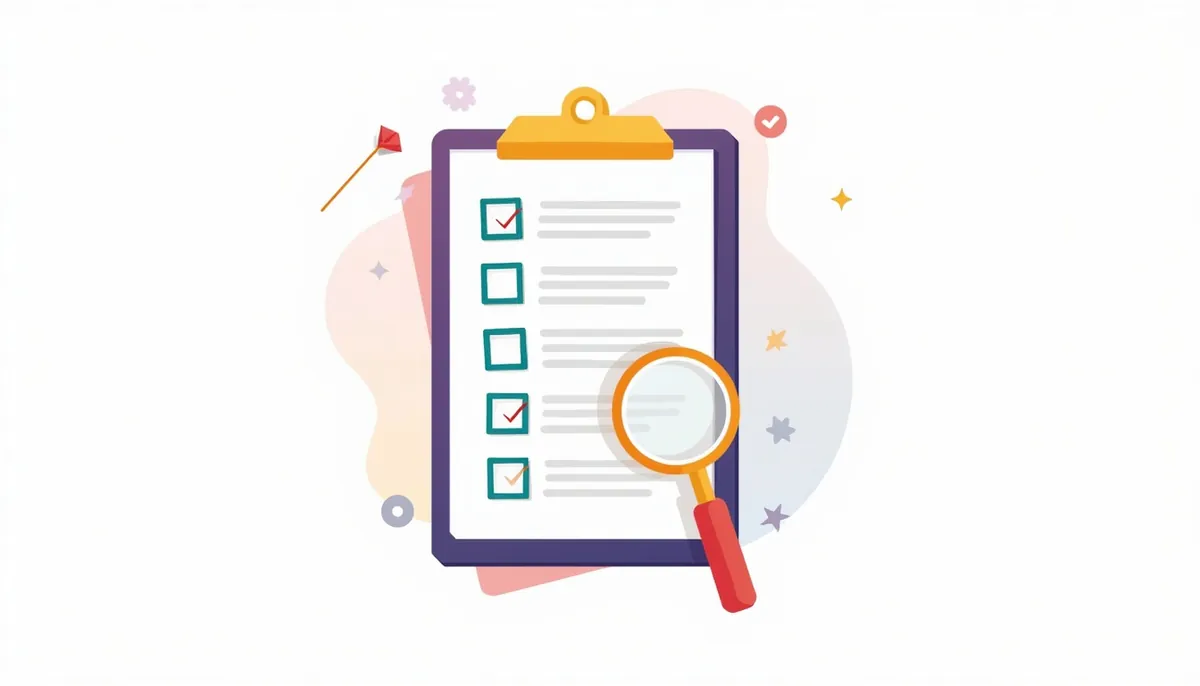
Run these tests with fake leads and your own phone. Do not skip them.
- ☐ A normal lead gets the right reply.
- ☐ A lead with a blank field does not break it.
- ☐ A spam submission is stopped.
- ☐ The same person submitting twice does not get two replies.
- ☐ A lead outside your area gets the right route.
- ☐ A lead after hours gets a message that fits the time.
- ☐ A reply from the lead stops the sequence.
- ☐ An opt-out request stops all messages.
- ☐ The summary matches what the lead wrote and adds nothing new.
- ☐ The draft never states a price, date or promise you did not approve.
If marketing email is part of the flow, the FTC’s CAN-SPAM rules apply. They require honest subject lines, your physical address and a working opt-out, and each violating email can carry penalties up to $53,088. See the FTC compliance guide.
Guardrails: how to keep it safe

- Approval first. Start with a person approving each message. Loosen it only after you have read a few dozen.
- A visible log. Every message sent should be saved where you can see it.
- A kill switch. Know exactly how to turn the workflow off in one click, and who may do it.
- An alert for failures. If a step fails, you should get a message, not silence.
- Limited access. Give the automation only the permissions it needs. Do not connect it to payment or banking tools in a first build.
- No private data in prompts. Send the AI step only what it needs. Leave out card numbers, passwords and health details.
- One owner. One named person is responsible for it.
If your workflow writes anything that is published to your website, Google’s guidance says, “It is critical to manually factcheck and review all AI-generated content for accuracy and trustworthiness before publishing.” See the Google guidance.
Keep it working: a monthly check

Workflows break quietly. A form gets redesigned. A login expires. A template goes stale. Put 20 minutes on your calendar each month.
- Read a sample of ten sent messages.
- Check the failure alerts and the log.
- Confirm your forms, CRM and booking links still connect.
- Update facts in your approved answers: hours, services, policies.
- Re-measure your number. Did it improve against your baseline?
Three more first workflows to try
Once the first one runs well, copy the pattern.
- Quote follow-up. Trigger: a quote is sent. Actions: a check-in after two days and a last note after a week, stopping on reply.
- Review request. Trigger: a job is marked complete. Action: a short, polite request for a review a day later. Send it only to customers who were happy.
- Appointment reminders. Trigger: a booking. Actions: confirmation, a reminder the day before and a “reply to reschedule” note.
Our guide to automating a sales pipeline in a CRM shows how these fit into pipeline stages, and the post on AI lead follow-up has message wording and timing.
Common mistakes
- Automating a messy process. Fix the steps on paper first.
- Adding AI where rules would do. More AI means more things that can surprise you.
- Skipping the person step. Early trust is earned, not assumed.
- No stop rule. Nothing annoys a customer more than a message after they already replied.
- Building five at once. One working workflow beats five half-working ones.
- Forgetting upkeep. An unchecked automation slowly goes wrong.
Frequently asked questions
Do I need to code?
No. Most small business workflows use forms and menus in connector platforms or in your CRM. If a step needs code, that is a sign to simplify or get help.
How long does it take to build the first one?
It depends on your tools and how clear your steps are. Plan to spend time on the writing and testing, not just the setup. Do not rush the tests.
What should I automate first?
The task with the highest score in the table above. For many service businesses, that is lead replies or appointment reminders.
Do I need a CRM?
A CRM is the natural home for leads and follow-up. You can start with a free plan. See our guide to CRM integrations for what to connect first.
What if the AI step gets something wrong?
That is why the person step exists. Fix the prompt, add a rule, or remove the AI step and use a template instead.
How do I know it is working?
Use the measure you wrote down before you started. Compare it with your baseline after 30 days.
Next steps
Score your five tasks, pick the winner and write its trigger, filters, AI step, person step and stop rule on one page. If you would like help building and testing a workflow that fits your tools, book your strategy call. We will help you choose a first workflow and tell you honestly what is worth automating.
Related guides
- AI Marketing Automation for Small Business: The Complete Guide
- AI Lead Follow-Up for a Small Business
- How to Automate Your Sales Pipeline in a CRM
- CRM Integrations: Which Tools to Connect First
- AI Automation Examples for Small Business You Can Copy
- Our AI marketing automation service
How many leads are you losing?
Try our free Lead Leak Calculator to see what missed calls and slow follow-up cost your business each month. Then see how our AI marketing automation follows up on every lead for you, or call (888) 849-2397 for a free lead review.
Part of our guide: AI Marketing Automation for Small Business: The Complete Guide.