You can personalize marketing with CRM automation without a big budget or a data team. The CRM already holds what you need: who the person is, what they asked about, where they are in your process and when you last spoke. This guide shows a six-step way to turn those records into messages that feel relevant and not creepy. It is part of our AI marketing automation guide.
The short answer
Personalize in this order: use the right name and service, then send to small groups (segments), then send at the right moment (triggers). Keep a fallback for every blank field, honor opt-outs fast, and judge results by replies and booked jobs, not email opens.
In this guide
- What it means to personalize marketing with CRM automation
- The data you need (and no more)
- Step 1: Clean the records
- Step 2: Build segments
- Step 3: Set triggers
- Step 4: Write with fallbacks
- Step 5: Respect consent and the creepy line
- Step 6: Measure what matters
- Where AI can help
- Common mistakes
- Frequently asked questions
- Next steps
What it means to personalize marketing with CRM automation
Personalization is not only “Hi [First Name].” It is sending the right message to the right person at the right time, using facts you already have. There are three levels, and each builds on the one before.
| Level | What it uses | Example |
|---|---|---|
| 1. Name and detail | Fields on the record | “Hi Dana, thanks for asking about a roof repair on Elm Street.” |
| 2. Group | A segment of similar contacts | A tip sheet only for people who asked about sealcoating |
| 3. Moment | A trigger tied to what just happened | A check-in three days after a quote, or a reminder one year after a job |
Most small businesses can do level 1 today and level 2 within a week. Level 3 is where automation pays off most, because it runs without you remembering.

The data you need (and no more)
Collect only what helps you serve the person. Here is a short field list that supports most small business personalization.
| Field | Why it earns its place |
|---|---|
| First name | Greeting and tone |
| Service they asked about | Sends the right message, and the right group |
| Town or service area | Local relevance and routing |
| Lead source | Shows which channel brings real jobs |
| Stage (lead, quoted, customer) | Keeps customers out of lead sequences |
| Date of last contact | Triggers check-ins and win-back messages |
| Date of last job | Triggers service reminders |
| Permission to email or text | Required before you send marketing |
Skip anything you do not use. Extra fields cost time to keep clean, and sensitive details raise the risk if something goes wrong.
Step 1: Clean the records
A personal message built on bad data is worse than a generic one. Before you automate, remove duplicates, fix names typed in all capitals, fill in the service field and mark customers as customers. Spend an hour here and every later step works better.
Step 2: Build segments
A segment is a group of contacts who share a trait. Start with three to five groups that match how you sell, such as new leads, open quotes, past customers and people who did not hire you.
It helps to know the two types. HubSpot’s help page explains that active segments update automatically as contacts meet or stop meeting the criteria, while static segments hold the contacts who matched at the moment you saved them and do not refresh. Use active segments for anything ongoing, such as “open quotes.” Use static ones for a one-time send, such as an event invite.
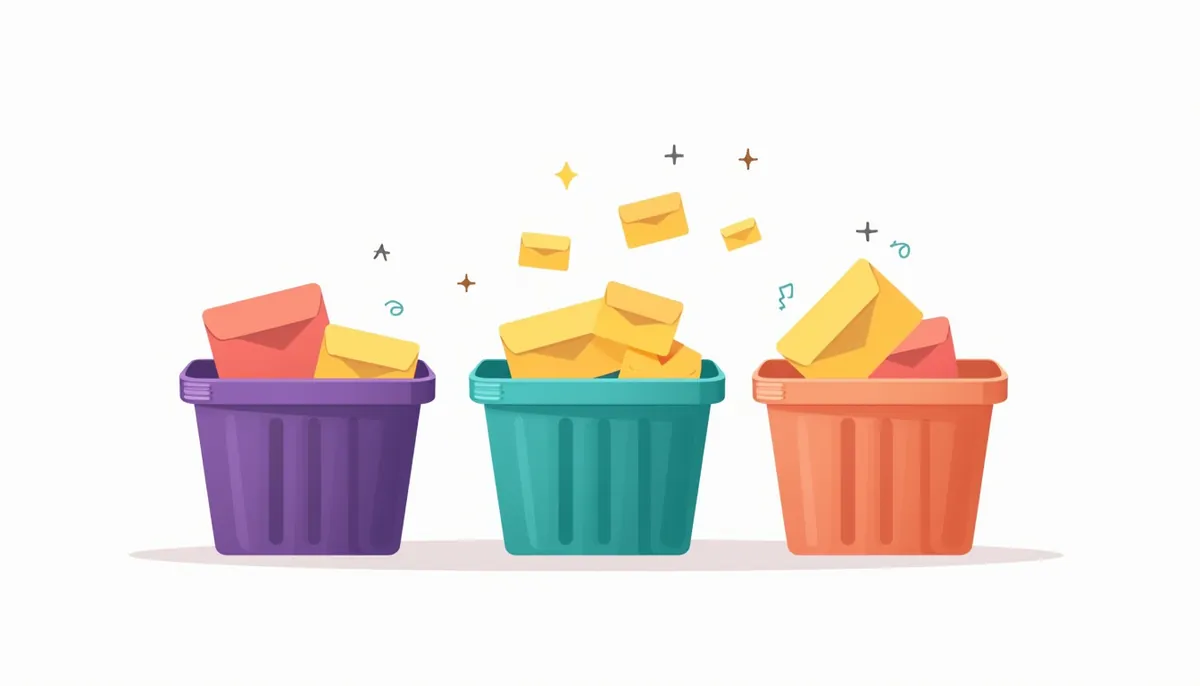
Other CRMs use different names, but the idea is the same. Choose the type on purpose, because a static list will quietly go stale.
Step 3: Set triggers
A trigger sends a message when something happens. This is the strongest form of personalization, because it matches the person’s moment. Here are triggers that fit local service businesses.
| Trigger | Message goal | Stop when |
|---|---|---|
| Form submitted | Confirm, ask one question, offer a time | They reply or book |
| Quote sent, no reply in 3 days | Check in and offer to adjust | They reply, accept or decline |
| Job marked complete | Thank them and ask for a review | They leave one |
| One year since last job | Offer a seasonal service check | They book or opt out |
| No contact in 90 days (past customers) | Share a helpful tip, not a sales pitch | They reply or opt out |
| Lead marked lost | Check in months later | They reply |
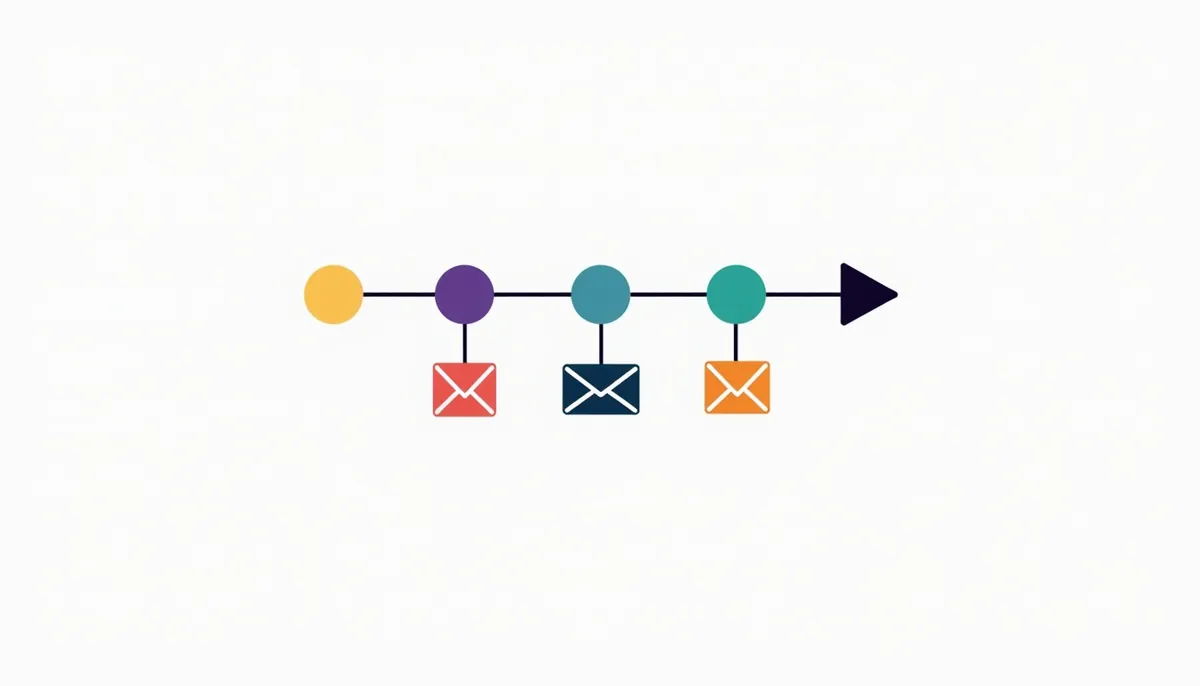
Our guide to AI lead follow-up covers the first few triggers in more detail, and our guide to sales pipeline automation shows how triggers tie to pipeline stages.
Step 4: Write with fallbacks
Personalization tokens pull a value from the record into your message. The risk is the empty field. HubSpot’s documentation says you can set a fallback value for each token, used when the contact has no value, and that without a default the token will be left blank.
Here is what that looks like.
- Without a fallback: “Hi , thanks for asking about .”
- With fallbacks: “Hi there, thanks for asking about your project.”
The second version reads fine even when the data is missing. Always set a fallback, and always send yourself a test using a record with blank fields.
Six message templates
Edit these so they sound like you. Replace the bracketed parts.
- New lead: “Hi [first name], this is [your name] at [business]. Thanks for asking about [service]. What day works best for a quick look?”
- Quote check-in: “Hi [first name], I wanted to make sure you received the quote for [service]. Happy to adjust the plan if something does not fit.”
- After the job: “Hi [first name], thanks for choosing us for [service]. If you were happy, a short review would help other neighbors find us. Here is the link: [link].”
- Annual reminder: “Hi [first name], it has been about a year since your [service]. Want us to take a look before the season changes?”
- Past customer tip: “Hi [first name], here is a short tip on [topic] that people often miss. No reply needed.”
- Lost lead check-in: “Hi [first name], I am checking in in case your plans for [service] have changed. Reply if you would like a fresh quote.”
Notice what these do not do. They do not mention what the person browsed, how many times they opened an email or anything else that feels like watching.
Step 5: Respect consent and the creepy line
Personalization works when it feels helpful. It backfires when it feels like surveillance. A simple test: would the person be surprised that you know this? If yes, do not use it.
Follow these rules too:
- Use facts the person gave you or that come from working with them: their name, their service, their town.
- Be honest. The FTC’s CAN-SPAM guide requires truthful sender information and subject lines that match the message, and it says you must honor opt-outs within 10 business days. Penalties can reach $53,088 per violating email, with no exception for business-to-business email.
- Make unsubscribing easy. Google says senders of more than 5,000 messages a day to Gmail accounts must support one-click unsubscribe in marketing messages and keep spam rates below 0.30 percent. Smaller senders should follow the same habits.
- Keep customers and leads separate. A customer should not get “Still looking?” messages.
- Ask before you text. Marketing texts have their own consent rules. If you are unsure, ask a lawyer.
Step 6: Measure what matters
Many people judge email by open rate. That number is less reliable than it used to be. Apple says its Mail Privacy Protection stops senders from knowing when people open an email. That means some opens are not real opens.
Measure outcomes you can trust:
- Replies to your messages
- Clicks on your booking link
- Booked estimates and jobs
- Reviews received
- Opt-outs and spam complaints
A fair test (hypothetical)
Say you send version A to 100 past customers and version B to another 100. Version A books 6 jobs and version B books 4. That looks like a win for A, but with lists this small, a gap of two jobs can be luck. Repeat the test, or run it longer, before you change your approach. Test one change at a time, such as the subject line or the offer.
Where AI can help
AI can draft message variations, sort replies and suggest which group a contact belongs in. It should not decide what is true about a customer or promise anything. Draft with AI, review as a person and send from a template you have checked. Our guide to CRM automation and AI for small business shows where each type of AI fits.
Common mistakes
- Personalizing before cleaning the data. A wrong name or service in a “personal” message looks careless.
- No fallback values. Blank gaps in a message look like spam.
- Too many segments. Start with three to five.
- Static lists that go stale. Use active segments for ongoing sends.
- Using data that feels like watching. Stick to facts the person gave you.
- Judging by opens. Use replies, clicks and booked jobs.
- No stop rule. Stop the sequence when someone replies or opts out.
Frequently asked questions
What does it mean to personalize marketing with CRM automation?
It means using facts in your CRM, such as name, service, stage and dates, to send messages that fit each person, and using automation to send them at the right time.
What is the easiest way to start?
Use the person’s name and the service they asked about, with a fallback for blanks. Then send a message to one segment, such as open quotes.
How many segments should I have?
Three to five is a good start. More groups mean more upkeep.
What is the difference between an active and a static segment?
An active segment updates itself as contacts meet or leave the criteria. A static segment is a snapshot from the moment you saved it.
Is personalization creepy?
It can be. Use facts the person gave you and keep the tone helpful. Avoid anything that shows you tracked their behavior.
How do I measure whether personalization works?
Look at replies, booking clicks, booked jobs, reviews and opt-outs. Do not rely on open rates alone.
Do I need AI to personalize my marketing?
No. Fields, segments and triggers do most of the work. AI can help write and sort, with a person in charge.
Next steps
Pick one trigger, such as a check-in three days after a quote. Write the message, set a fallback and test it with a blank record. Run it for a month and review the replies. If you want help building a clean system, book your strategy call. You can also read how our AI marketing automation service works, or start with our email marketing guide.
Related guides
- AI Marketing Automation for Small Business: The Complete Guide
- Email Marketing for Small Business: How to Get Started
- AI Lead Follow-Up: What to Send, When, and What to Skip
- CRM Automation for Small Business: Where AI Helps and Where It Doesn’t
How many leads are you losing?
Try our free Lead Leak Calculator to see what missed calls and slow follow-up cost your business each month. Then see how our AI marketing automation follows up on every lead for you, or call (888) 849-2397 for a free lead review.
Part of our guide: AI Marketing Automation for Small Business: The Complete Guide.