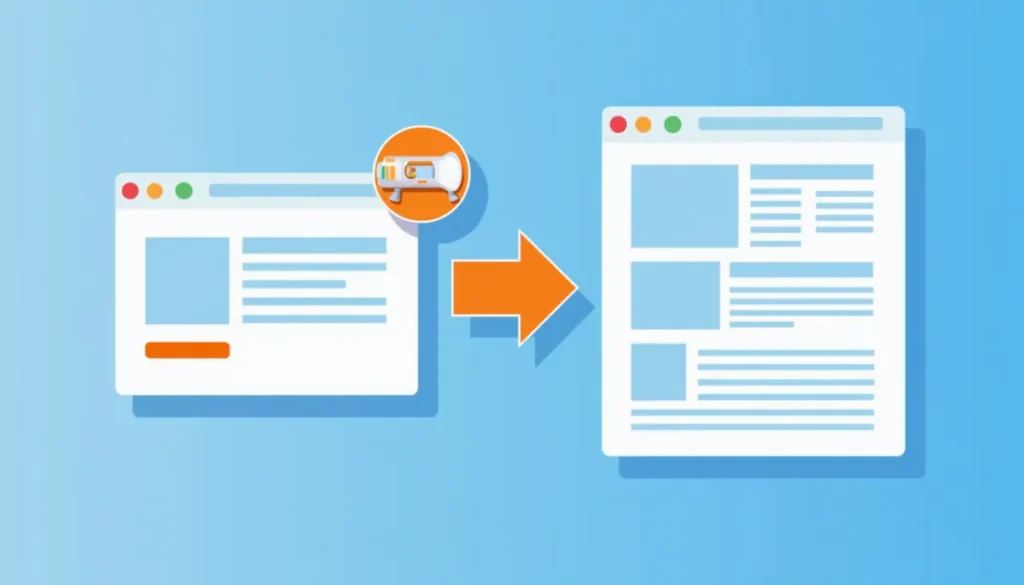
For most local service ads, send people to a landing page built for that one service, not your homepage. A homepage has to serve everyone. A landing page can match what the person just searched and ask for one action. The exception is people searching your business name, where the homepage is usually fine.
Why the homepage struggles with paid traffic
A homepage has many jobs. It introduces the business, lists every service, holds the navigation and links out to the blog. That is useful for visitors who are browsing. It is less useful for someone who just searched “furnace repair” and wants to know right now if you can help.
When the page does not match the search, the visitor has to hunt. Many leave. You paid for that click either way.
What Google says about landing pages
Landing page experience is one part of Quality Score, along with expected click-through rate and ad relevance. Google’s Quality Score help page lists the three parts it reports on, and they are a good checklist for what to fix. A page that clearly matches the ad and is easy to use is what you want.
When the homepage is fine
- The search is your business name.
- You offer one thing and the homepage already says it clearly.
- You are running a general awareness campaign and not chasing leads.
What a good local landing page includes
- A headline that matches the search. If the ad says “water heater replacement,” the page leads with water heater replacement.
- One main action. A call button or a short form, repeated down the page. Do not give the visitor six places to go.
- Your phone number, tappable on mobile. Most people searching for a local service are on a phone.
- Proof that is real. Real reviews and real photos of your work. Never invent either.
- The service area. Name the towns you serve so a visitor knows they are in the right place.
- What happens next. A short line about how fast you reply and what the first step is.
- A short form. Ask for the minimum you need to call back. Each extra field is another reason to leave.
Check the page before ads go live
A page loading is not the same as a page being ready. Before you point paid clicks at it, open it and read it top to bottom on a phone. Look for missing photos, empty review sections, placeholder text and a call to action that does not match the ad. Fix those first. Paying for clicks to an unfinished page is an expensive way to find the gaps.
One page per service
If you sell several services, use one landing page per service, and group ads by service so each ad group points to its matching page. A plumber with one campaign for drain cleaning and another for water heaters should have a page for each. This is also how you learn which service earns its keep.
Make sure the page tracks leads
A landing page is only half the job if you cannot tell which clicks became calls or forms. Set up tracking on the page before you spend. See what to track in Google Ads. For general ways to lift results on any page, our guide to increasing your website conversion rate helps.
What happens after the form
The page gets the lead. Follow-up decides whether the lead becomes a customer. If you are not sure how many leads slip away after the click, try the free Lead Leak Calculator, or look at AI marketing automation for instant replies and reminders.
Questions people ask
Do I need a separate website for a landing page?
No. A landing page can be a page on your existing site, built to focus on one service. Some businesses hide it from the main menu so it exists only for ads. What matters is that it is focused and finished.
How long should a landing page be?
Long enough to answer what a customer would ask before calling, and no longer. For a simple local service, that is often a short page: a clear headline, what you do, proof, your service area and a call or form.
Should I remove my navigation menu?
Many landing pages do, to keep attention on one action. It is a reasonable test. Keep your phone number and a way to reach you visible either way.
How do I know if the page is working?
Look at the share of visitors who call or submit the form, and compare pages against each other with enough traffic to mean something. Change one thing at a time. A small number of leads is not enough to call a winner.
Quick page review
- Does the headline repeat what the person searched?
- Is the main action visible without scrolling on a phone?
- Are the photos and reviews real?
- Does the form ask only what you need?
- Does the page match the ad? A mismatch burns the click even on a finished page.
Common landing page mistakes
- A headline about the company, not the problem. “Welcome to Smith and Sons” tells the visitor nothing. “Water heater replacement in Carlisle” does.
- A form with too many fields. Name, phone and what they need is usually enough to start.
- No clear next step. If a visitor has to guess whether to call, scroll or click, many will leave.
- Stock photos pretending to be your team. Real photos, even simple ones, build more trust.
- A slow page on a phone. Test it on mobile data, not only on office wifi.
- Sending every ad group to the same page. Match the page to the service in the ad.
Need a page that fits your ads? Webfactory Media builds landing pages for local businesses and runs the pay-per-click advertising that sends traffic to them. Call (888) 849-2397 for a free marketing review.
Keep reading
- PPC for Local Businesses: How Pay-Per-Click Advertising Works
- What to Track in Google Ads: Calls, Forms and Real Jobs
- Negative Keywords in Google Ads, Explained
- How Much Should a Local Business Spend on Google Ads?