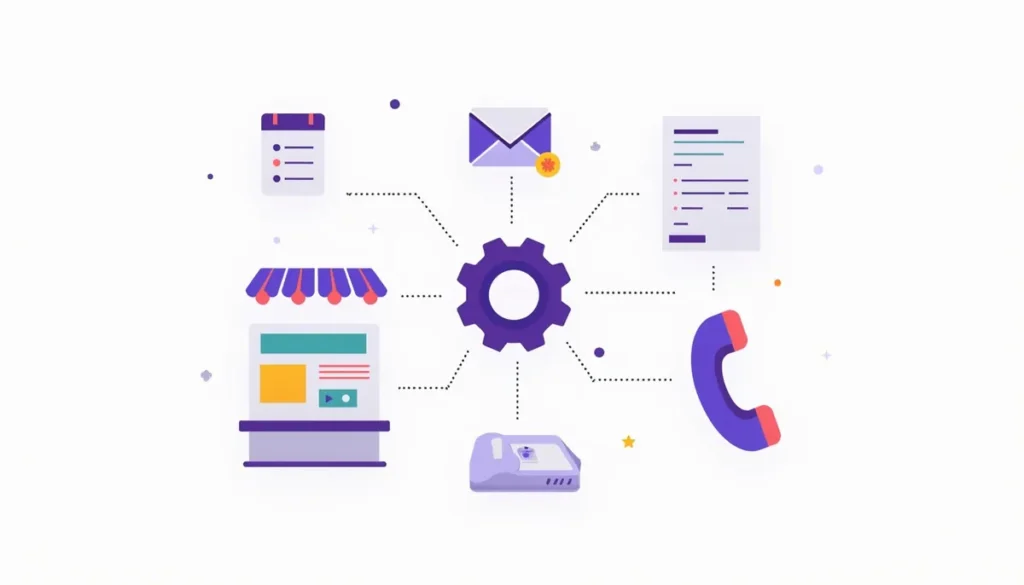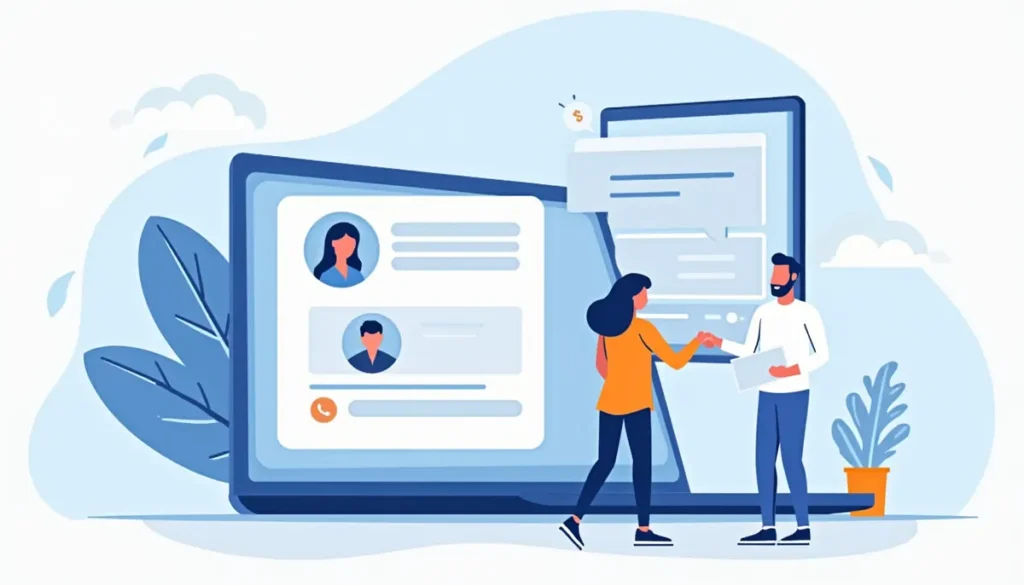
A chat box in the corner of your website looks simple. Behind it is a real decision: do you want software talking to people who may become customers? For some small businesses the answer is yes. For others a chatbot adds cost and a new way to make mistakes. This guide helps you decide, shows what a chatbot can and cannot do, and walks through a careful setup. It is part of our AI marketing automation guide.
What an AI chatbot does on a small business website
An AI chatbot answers questions from website visitors in a chat window. It reads what the person types and replies in plain language. Most also collect contact details and pass the conversation to your team.
There are two kinds, and the difference matters.
| Type | How it works | Strength | Weakness |
|---|---|---|---|
| Scripted chatbot | Follows a fixed path of buttons and set answers | Predictable. It never makes things up | Stiff. It cannot handle questions you did not plan for |
| AI chatbot | Reads the question and writes a reply, usually from your own content | Flexible. It handles many phrasings | Can be wrong or off-topic if it is not tightly limited |
Many tools mix both: fixed paths for booking and contact capture, and AI for open questions.
What a chatbot is good at
- Answering the same questions again and again. Hours, service area, what you do and do not do, how booking works and what to prepare.
- Catching visitors outside business hours. A visitor at 9 p.m. gets an answer and can leave their details.
- Collecting information before you call back. Name, phone, address, the type of job and a few details.
- Pointing people to the right page. A visitor looking for a service can be sent to the right page.
- Offering a booking link or call-back request. Fewer visitors leave because they could not find the form.
What a chatbot is bad at
- Pricing for jobs that need a site visit. A wrong number creates an argument later.
- Anything that needs judgment or care. Complaints, safety questions and emergencies should reach a person fast.
- Promising dates or availability unless it is connected to a live calendar.
- Legal, medical or financial advice.
- Replacing a good website. If your pages do not explain your services clearly, a chatbot will not repair that. It will only repeat the confusion.
Is a chatbot right for your business?
Use this short test. Answer honestly.
- Do visitors ask the same few questions? If yes, a chatbot may help. If every question is unique, it will not.
- Do you get website traffic? With only a handful of visitors a week, the chatbot has little to do. Fix traffic and the site first.
- Can someone respond to the chats it passes on? A chatbot that collects a lead nobody follows up on is worse than no chatbot.
- Can you write down your answers clearly? If your own team gives different answers, the bot will too.
- Is a wrong answer cheap or expensive? The higher the cost of a wrong answer, the tighter the limits should be.
If you said no to questions 1 to 3, wait. Improve your pages, forms and follow-up first. A website refresh or better forms often do more than a bot.
Chatbot or contact form: which converts better?
We do not have a fair, general number for this, and you should be wary of anyone who quotes one. It depends on your audience, your offer and how the chatbot is set up. Some visitors prefer typing a quick question. Others want a phone number and will ignore the chat window.
The practical answer is to treat the chatbot as an addition, not a replacement. Keep your phone number visible, keep a short form and add chat as another door. Then check which door your leads actually use.
How to set up a website chatbot carefully
Step 1: Define a narrow job
Write one sentence. For example: “Answer questions about our services, hours and service area, and collect contact details for a call back.” Everything else should be handed to a person. A narrow job is easier to test and safer.
Step 2: Write the approved facts
List what the bot is allowed to say:
- Services you offer, and services you do not.
- Towns or areas you serve.
- Hours, and how fast you normally reply.
- How booking works and what the customer should have ready.
- Whether you offer free estimates, written exactly as you do them.
- Anything you never want it to say, such as exact prices for custom work.
Use only facts that are true today. If a fact changes, update the bot the same day.
Step 3: Set the handoff rules
Decide when the bot stops and a person takes over. Good triggers:
- The visitor asks for a person.
- The visitor mentions an emergency, a complaint, a refund or a legal issue.
- The visitor asks about pricing for a custom job.
- The bot does not know the answer after one try.
At handoff, the bot should say what happens next, such as “A team member will reply by text during business hours,” and then it should actually happen.
Step 4: Tell people it is automated
Say it in the first message: “I’m the automated assistant for [Business]. I can answer common questions or connect you with the team.” That is honest and it sets expectations.
Step 5: Make the lead capture simple
Ask for one thing at a time. A phone number and a short description of the job is usually enough. Long chat forms feel like work. Let visitors skip the personal details and still get answers, if you can.
Step 6: Connect it to your system
New chat leads should land in the same place as your other leads, with the conversation attached. The person who replies should see what was asked. Without that, customers have to repeat themselves. See our CRM integrations guide for how to connect tools in a sensible order.
Step 7: Test it hard before launch
Open the chat and try to break it:
- Ask something the bot should not answer.
- Ask for a price.
- Type a complaint.
- Type with typos.
- Ask for a service you do not offer.
- Ask for a person.
- Try to get it to say something silly or off-brand.
Fix every wrong answer by changing the rule or the approved facts, not only the one reply.
Step 8: Launch quietly and read the chats
Go live on one or two pages first. Read every chat for the first two weeks. Note questions it could not answer. Those are either gaps in your website or gaps in your facts list. Both are worth fixing.
Privacy and trust
- Add a short note near the chat that explains how the chat is used and link to your privacy policy.
- Tell visitors not to share payment details, passwords or sensitive personal data in chat.
- Read the vendor’s terms about how chat content is stored and used, and whether it is used to train models.
- Limit who on your team can see chat logs.
- Make sure your privacy policy matches what you actually do. For legal questions, ask an attorney.
See the risks section of the AI marketing automation guide for the wider picture.
What to measure
Keep it simple. Look at these numbers monthly:
- Number of chats started.
- Share that ended with contact details left.
- Share handed to a person, and how fast your team replied.
- Questions it could not answer, as a list.
- Bookings or quotes that came from chat, if you can track them.
- Complaints about the chat.
Compare against your numbers from before the chatbot. If it brings you few leads but a lot of work, turn it off or narrow its job. A chatbot should earn its place like any other tool.
Cost: what to expect
Prices vary a lot by tool and change often, so we will not quote any. Here is what usually drives the cost:
- Whether the pricing is per month, per conversation or per seat.
- How many chats you get.
- Whether it includes integrations with your CRM or calendar.
- How much setup help you need.
- The time it takes you to maintain the facts and review chats.
Ask for written pricing, check what happens when volume grows and add your own review time to the math. Our guides to affordable AI automation and what drives CRM automation cost show how to think about it.
Mistakes to avoid
- Launching without handoff rules. Visitors get stuck in a loop.
- Letting the bot guess. If it does not know, it should say so and offer a person.
- Hiding the phone number. Some customers want to call.
- Never reading the chats. The logs show you what your website fails to explain.
- Quoting prices. Unless the price is fixed and published.
- No owner. Someone must be responsible for the bot’s answers.
- Pretending it is a person. Say it is automated.
Frequently asked questions
Do small businesses need a chatbot?
No. Many do fine without one. A chatbot is worth testing if visitors keep asking the same questions, you get steady website traffic and someone can follow up on the leads it collects.
Will a chatbot replace my receptionist?
Not for most small businesses. It can handle common questions and capture details. A person is still needed for calls, tricky questions and relationships.
Can a chatbot book appointments?
Some can, if they are connected to your calendar. Set clear rules for which services can be booked and how much notice you need. Test it carefully.
Is it okay to tell visitors it is automated?
Yes, and it is the better practice. People respond better when they know what they are talking to and can reach a person easily.
What if it gives a wrong answer?
Fix the underlying fact or rule, test again and review chats regularly. Keep high-risk topics out of the bot’s job entirely.
Related guides
- AI Marketing Automation for Small Business: The Complete Guide
- AI Lead Follow-Up: What to Send, When, and What to Skip
- Top AI Tools for Small Business (And What Each Does)
- CRM Integrations: Which Tools to Connect First
Want help setting this up?
If you want help deciding whether a chatbot fits your business, see our AI marketing automation service. Then book your strategy call and we will look at your site, your leads and your follow-up together.