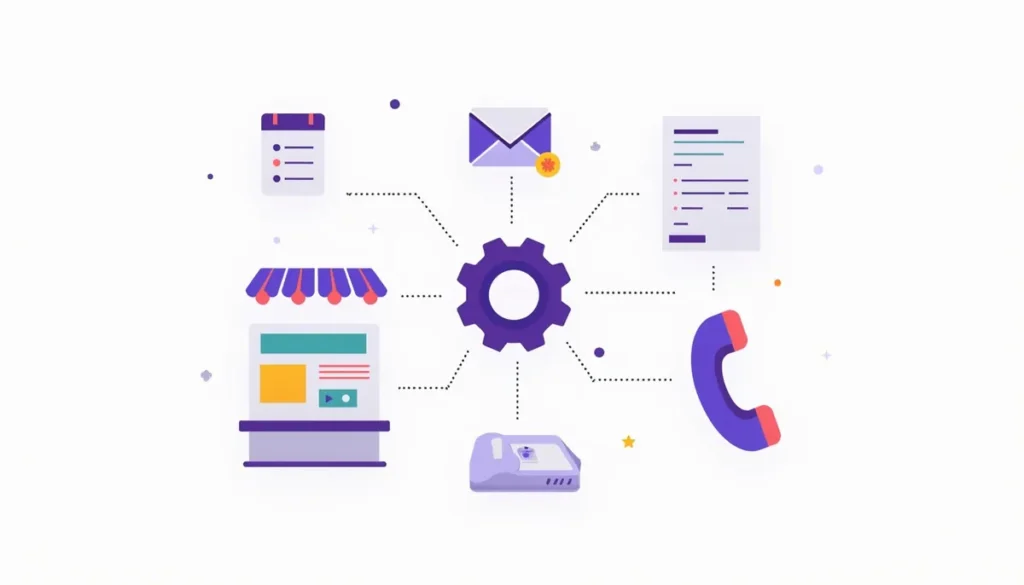
The top AI tools for small business in 2026 depend on the job you need done. A writing assistant, a meeting note taker and an automation connector solve different problems, so this guide groups tools by job. We opened each vendor’s official page on October 17, 2026 to confirm the tool still exists and to note what its free plan includes. This is a guide, not a ranking or a lab test. Plans change often, so check the vendor’s page before you pay. Updated October 2026. It is part of our AI marketing automation guide.
Table of contents
- How to choose the top AI tools for small business
- Quick picks by job
- General AI assistants
- Automation connectors
- Leads and CRM
- Call and meeting notes
- Booking
- Website chat
- Email marketing
- Bookkeeping
- Tasks and projects
- Design
- Two starter stacks
- A privacy checklist for any tool
- Mistakes to avoid
- Frequently asked questions
- Next steps
How to choose the top AI tools for small business
Follow four rules.
- Start with the job, not the tool. Name the task first: draft replies, summarize calls, book appointments, link two apps.
- Use a free plan first. The U.S. Chamber of Commerce’s 2026 survey found that 41% of small businesses use free AI tools, and the median monthly AI spend among those who pay is $250. Most owners are not paying much. See the Chamber’s 2026 report.
- Prefer tools built into software you already use. The same survey found that 64% of small businesses mostly or entirely use AI tools built by other companies.
- Check the data policy. Know whether your inputs may be used to train the model, and whether you can delete them.
Fewer tools used well beat many tools used badly. Most small businesses need a general assistant, one scheduling tool and maybe one connector.
Quick picks by job
| Job | Tools covered | Free plan or free tier? |
|---|---|---|
| Writing, research, summaries | ChatGPT, Claude, Gemini, Microsoft Copilot | Claude, Gemini and Copilot list free plans |
| Connect your apps | Zapier, Make | Both list free plans |
| Leads and CRM | HubSpot | Free CRM plan |
| Call and meeting notes | Fathom, Otter | Both list free plans |
| Booking | Calendly | Free plan, one event type |
| Website chat | Tidio, Intercom Fin | Tidio lists a free plan |
| Email marketing | Mailchimp | Free plan, but without generative AI |
| Bookkeeping | QuickBooks | Check which AI features your plan includes |
| Tasks and projects | Asana, Trello | Both list free plans |
| Design | Canva | Free plan with limits on AI use |
General AI assistants

A general assistant is the first tool most owners should try. It drafts emails, summarizes documents, brainstorms and answers questions. These four are the main choices.
ChatGPT
ChatGPT, from OpenAI, is one of the best-known assistants and is named in the Chamber’s survey as an example of a generative AI chatbot. We could not load OpenAI’s pricing page with our tools on the check date, so we are not quoting plans or prices. Check its current plans yourself.
Claude
Anthropic’s Claude lists a free plan at $0. Its Pro plan is $17 a month billed annually or $20 billed monthly. Its Team plan is $20 per seat billed annually or $25 monthly, and Anthropic says that for Team, “Models are not trained on your content by default.” Pro adds more usage, projects and integrations.
Gemini
Google’s Gemini is free with a Google account. Google AI Plus is listed at $4.99 a month and Google AI Pro at $19.99 a month. It fits well if your business already runs on Gmail and Google Docs.
Microsoft Copilot
Microsoft Copilot has a free tier with a signed-in Microsoft account, with usage limits on some features. Some features need paid plans or a Microsoft 365 subscription. It fits well if your team lives in Word, Excel and Outlook.
Watch-outs for all four: each can state wrong things confidently, and each handles data differently by plan. Do not paste payment details, passwords or health records.
Automation connectors

Connectors link the apps you already use so they pass information to each other with no copy and paste. Our guide to building your first workflow shows how to use one.
Zapier
Zapier’s free plan includes 100 tasks a month. Its Professional plan lists 750 tasks a month at $19.99 a month billed annually or $29.99 billed monthly, with AI features such as AI by Zapier and unlimited Copilot messages. See Zapier’s pricing. Zapier says you can add AI “in a workflow, as an agent, or a customer chatbot.” Watch the usage cap, because multi-step workflows use it quickly.
Make
Make’s free plan includes 1,000 credits a month. It is another connector option, so compare it with Zapier on the steps you need. See Make’s pricing. Check how it counts credits before you build anything large.
Leads and CRM
HubSpot
HubSpot lists a free CRM at $0, with up to two users and no credit card required. It also offers AI features under its Breeze name, and we could not confirm from its pricing page which features sit on which plan. Check before you rely on one. See HubSpot’s CRM page. A CRM is where your leads, follow-up and bookings live. Our guide to CRM integrations covers what to connect first.
Call and meeting notes
Fathom
Fathom’s free plan lists unlimited recordings, unlimited transcriptions and instant AI call summaries. Paid plans are priced per user. See Fathom’s pricing. Tell people before you record, and read each summary before you act on it.
Otter
Otter’s free Basic plan includes 300 transcription minutes per user each month, with a 30-minute limit per conversation and 20 AI chat questions a month. Its Pro plan is $16.99 a month billed monthly, or $8.33 a month billed annually.
Booking
Calendly
Calendly’s free plan gives you one event type and one calendar connection. The paid Standard plan is $10 per seat per month and adds reminders, automations, payments and AI features such as a Notetaker and a scheduling assistant called Callie, which Calendly lists as beta.
Website chat
Tidio
Tidio’s free plan includes 50 billable conversations a month, and the first 50 conversations with its Lyro AI agent are free. Its Starter plan is listed at $24.17 a month.
Intercom Fin
Intercom’s Fin AI Agent charges from $0.99 per Fin outcome. That is per-resolution pricing, which can suit a busy site but is harder to predict than a flat fee. Fin works with an existing help desk.
Watch-outs for chat tools: you are responsible for what they say. Write approved answers, add a clear way to reach a person, and test with tricky questions. Our post on AI chatbots for a small business website explains how.
Email marketing
Mailchimp
Mailchimp’s free plan is limited to 250 contacts and 500 sends a month, and its page says generative AI features are not included on Free. So if you want AI drafts, use a separate assistant and paste in your edited text. Mind email rules: marketing email needs honest subject lines, your physical address and a working opt-out.
Bookkeeping
QuickBooks
QuickBooks describes AI features under the names Intuit Intelligence and Intuit AI. Its page says they can draft invoices for quick review, send payment reminders “with your approval,” and create bills from notes, PDFs, photos and forwarded emails. Some features are labeled beta, and the page says, “Intuit Intelligence can make mistakes.” Check every total. See QuickBooks.
Tasks and projects
Asana
Asana’s Personal plan is free forever for two users. AI features are listed on its paid plans. Its Starter plan is $10.99 per user per month billed annually. It fits teams that need to see who is doing what.
Trello
Trello lists a free plan for individuals or small teams and an automation feature to automate tasks and workflows. It also lists an MCP server to connect it to AI tools. It fits simple boards and small teams.
Design
Canva
Canva has a free plan with a monthly allowance for AI uses, and some AI tools need its Pro plan. Canva changes these limits often, so check its pricing page. Review every design for brand colors, spelling and real facts.
Two starter stacks
The $0 stack. A free general assistant, Fathom’s free plan for calls, Calendly’s free plan for one booking link, and HubSpot’s free CRM. That covers drafting, notes, booking and lead tracking at list price of $0.
A small paid stack. Suppose you add one assistant on Claude Pro at $20 a month (monthly billing) and Zapier Professional at $29.99 a month (monthly billing). The list prices add up to $49.99 a month. That is simple arithmetic from the prices on the vendor pages on October 17, 2026. It is not a quote, and prices change. The Chamber’s survey found a median of $250 a month among small businesses that pay for AI, so this sits well below that.
Start with the $0 stack. Pay only when a real limit slows you down.
A privacy checklist for any tool
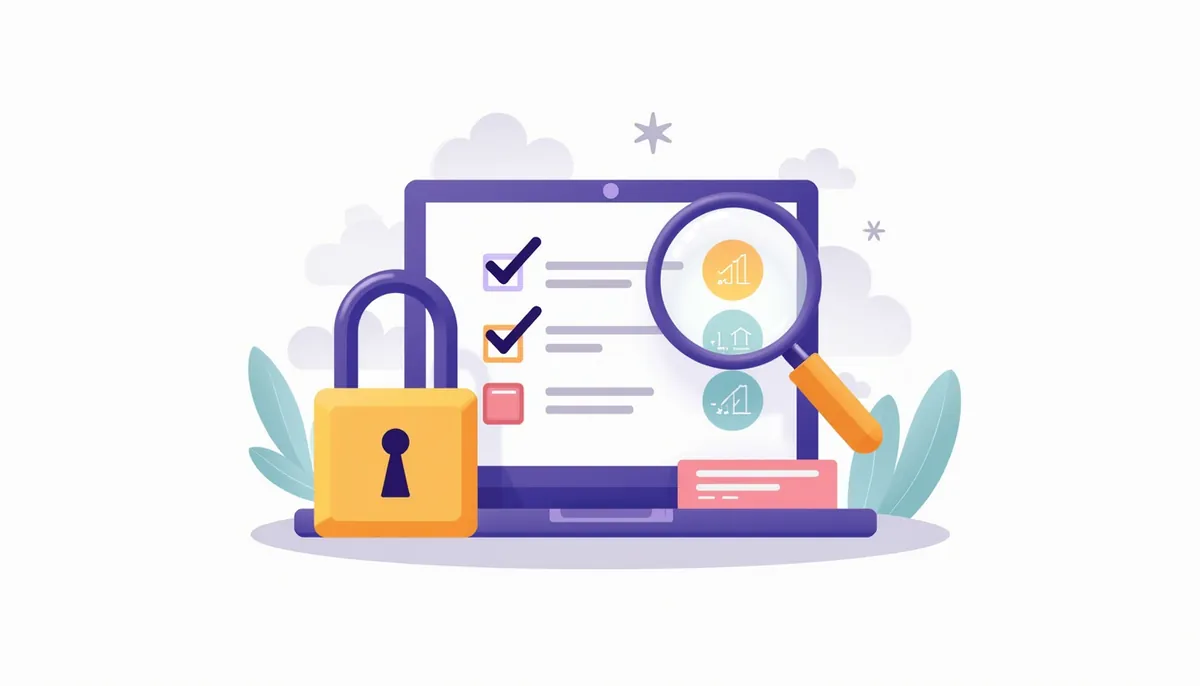
Ask these questions before you paste anything real into a new tool.
- ☐ Does the vendor say whether it trains models on my inputs, and can I turn that off?
- ☐ Does the plan I am on differ from the business plan on this point?
- ☐ Can I delete my data and my account?
- ☐ Who in my business can see the shared history?
- ☐ Am I about to paste something on my “never paste” list: card numbers, passwords, health records, private contracts?
Mistakes to avoid
- Collecting tools. Each one needs setup, upkeep and a password.
- Paying before testing. Use free plans until a limit slows you down.
- Trusting vendor claims. Time the task yourself before and after.
- Skipping the human check. Every tool above can be wrong.
- Forgetting to cancel. Review your subscriptions every quarter.
Frequently asked questions
What is the best AI tool for a small business?
There is no single best tool. For most owners, a general assistant is the best first choice, and then one tool for your biggest bottleneck.
Are free AI tools good enough?
Often, for testing and for light use. Free plans have limits on usage and features, so expect to hit a cap if you use a tool daily.
Do I need more than one AI assistant?
No. Pick one and learn it well. Add another only for a clear gap.
Is it safe to use these with customer data?
It depends on the tool and the plan. Read the privacy and training settings, use business plans where they exist, and leave out sensitive details.
How often do these plans change?
Often. Often enough that a list like this goes stale. Prices and limits are shown as they appeared on October 17, 2026, so confirm on the vendor’s page before you pay.
Can you set these tools up for me?
We help small businesses choose, connect and test tools for lead follow-up and marketing. See our AI marketing automation service.
Next steps
Choose one job from the quick-pick table, try the free plan for a week and time the result. If you want help picking tools and linking them into a working system, book your strategy call. We will tell you what to use, what to skip and what is not worth paying for yet.
Related guides
- AI Marketing Automation for Small Business: The Complete Guide
- Affordable AI Automation for Small Business: Start Free
- Small Business Automation With AI: Build Your First Workflow
- 12 AI Tips for Small Business Owners Short on Time
- AI Chatbot for a Small Business Website: Worth It?
- Our AI marketing automation service
How many leads are you losing?
Try our free Lead Leak Calculator to see what missed calls and slow follow-up cost your business each month. Then see how our AI marketing automation follows up on every lead for you, or call (888) 849-2397 for a free lead review.
Part of our guide: AI Marketing Automation for Small Business: The Complete Guide.