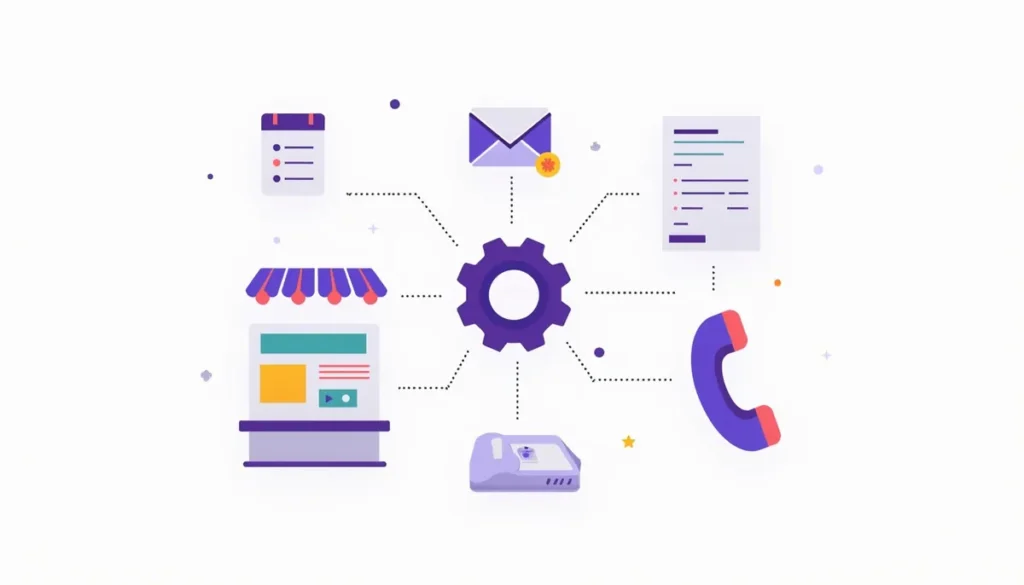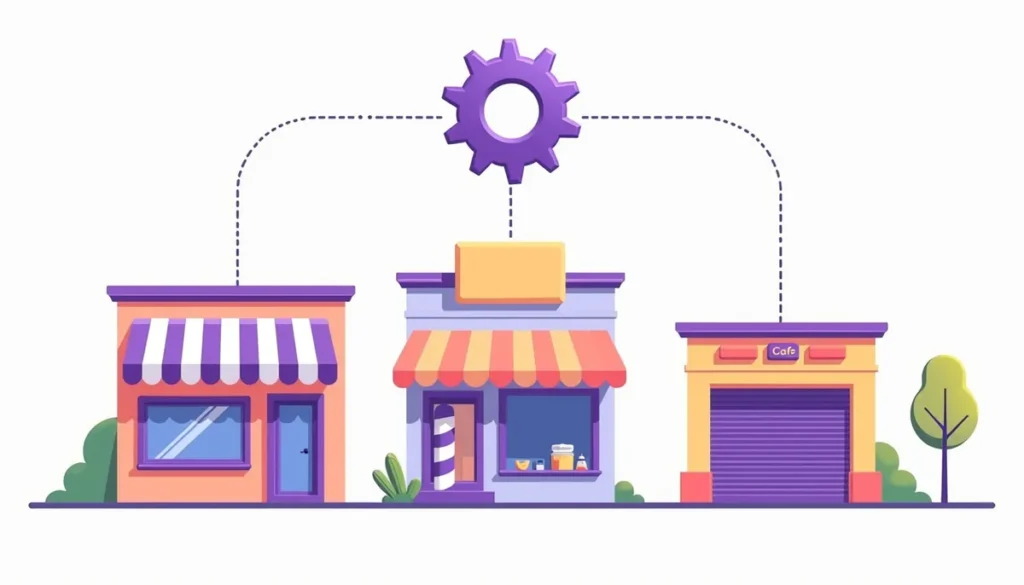
These AI automation examples show how small businesses can use AI for real, repeatable work. Each example is organized by type of business and shows what starts the workflow, what the AI does, where a person checks, and what to measure. One note up front: these are composite scenarios, not case studies. We are not reporting results from any real business, and we do not claim savings. We show the shape of each workflow so you can copy it. Updated October 2026. This guide is part of our AI marketing automation guide.
Table of contents
- How to read these examples
- How common is AI in your industry?
- Eight AI automation examples by business type
- The eight examples at a glance
- Turn an example into your own workflow in five steps
- Mistakes to avoid
- Frequently asked questions
- Next steps
How to read these examples
Each example uses the same five parts.
- Trigger: the event that starts it.
- AI step: what the AI reads or writes.
- Person step: where you check or step in.
- Measure: the one number to track before and after.
- Stop sign: what to keep out of the automation.
Most of the work in a good workflow is done by plain rules, not AI. The AI handles reading messy text and writing a first draft. That keeps it predictable.
How common is AI in your industry?
Adoption varies. In the U.S. Chamber of Commerce’s 2026 survey of small businesses, the share using AI was 68% in retail, 67% in professional services, 64% in construction, 61% in restaurants and dining, and 55% in health and medical. See the Chamber’s 2026 report. That survey counts any use, including chatbots and writing tools, so it says little about how deep the use goes. It does show that owners in every trade are experimenting.
Eight AI automation examples by business type
Example 1: A local service business that misses calls
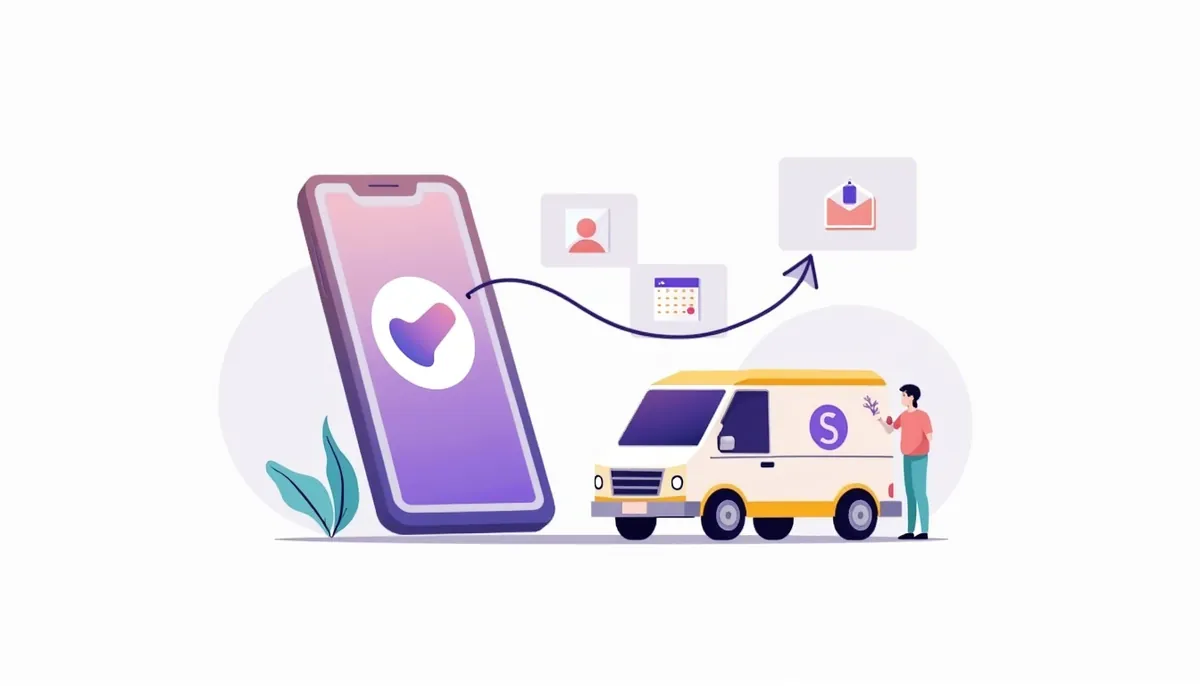
The situation: a plumber, electrician or roofer is on a job and cannot answer the phone. Callers may try the next company on the list.
- Trigger: a missed call or a web form.
- AI step: reads the form and drafts a short reply that mentions the service the person asked about.
- Person step: you call back the same day. An automatic text or email covers the gap until then.
- Measure: the share of new leads you reach within one business hour.
- Stop sign: the automation should never give a price, promise a date or claim a license it cannot back up.
Our guide to AI lead follow-up has the timeline and sample messages.
Example 2: A salon or barbershop with no-shows
The situation: empty chairs hurt. Staff are busy with clients and cannot chase reminders.
- Trigger: a booked appointment.
- AI step: very little. A rule sends confirmation and reminder texts. AI helps write a friendly message in the shop’s voice and a short “we have an opening” note to regulars.
- Person step: the owner approves the wording once, then handles replies.
- Measure: no-show rate per month.
- Stop sign: get consent before you text, and always include a way to opt out.
Booking tools can handle the reminders. Calendly’s free plan, for example, gives you one event type and one calendar connection, and reminders and automations come with its paid Standard plan. Check what your shop needs before you pick one. See Calendly’s pricing page.
Example 3: A café or restaurant answering the same questions
The situation: the same ten questions arrive every day: hours, parking, allergens, catering, reservations.
- Trigger: a message on the website or social page.
- AI step: a chatbot answers from a short list of approved facts, and sends catering requests to a form.
- Person step: staff handle catering quotes and anything about allergies or special diets.
- Measure: how many questions are answered without staff, and how many get passed to a person.
- Stop sign: never let a bot answer an allergy question on its own. Send those to a person every time.
Our post on AI chatbots for a small business website explains how to write approved answers and set the handoff.

Example 4: A retail shop with stock to watch
The situation: the owner finds out an item is gone when a customer asks for it.
- Trigger: stock drops below a number you set.
- AI step: none needed for the alert. AI can draft the reorder email to the supplier and a “back in stock” note for customers who asked.
- Person step: you approve the order.
- Measure: the number of days a top seller is out of stock.
- Stop sign: do not let a tool place orders on its own until you have watched it for several weeks.
This one is mostly plain automation. That is a feature, not a flaw.
Example 5: A small office that takes in client paperwork
The situation: an accounting, insurance, real estate or law office gets forms and documents by email in many formats.
- Trigger: a new client form or an emailed document.
- AI step: reads the document, pulls out names and key details, and files them in the right folder. It writes a short internal summary.
- Person step: a staff member checks every extracted detail before it goes into the record.
- Measure: minutes of typing per new client.
- Stop sign: client data is sensitive. Check where each tool stores and uses what you upload, and ask your professional association or advisor about rules for your field before you start.
QuickBooks describes a similar pattern for bookkeeping. It says its tools can create bills “from notes, PDFs, photos, and emails you forward,” and it adds, “Intuit Intelligence can make mistakes.” That is the right attitude for every example here. See the QuickBooks page.
Example 6: A remodeler or contractor chasing quotes
The situation: quotes go out, then nothing happens. The owner forgets to follow up.
- Trigger: a quote is sent.
- AI step: drafts a short check-in two days later and a last friendly note a week later, using details from the quote.
- Person step: the owner can send, edit or cancel each message. The sequence stops when the customer replies.
- Measure: the share of quotes that get a reply.
- Stop sign: no discounts or deadlines unless you wrote them yourself.
The pattern is covered in our guide to automating your sales pipeline in a CRM.
Example 7: A clinic or practice with reminders
The situation: missed appointments and long hold times.
- Trigger: a booked visit.
- AI step: none for medical content. Reminder and rescheduling messages follow fixed templates.
- Person step: staff handle any message about symptoms, results or billing.
- Measure: missed appointments per month.
- Stop sign: health information has special legal protection. Do not paste patient details into a general AI tool. Ask your compliance advisor which tools are allowed.
This example is here to show where AI should stay out. Reminders are a good use of automation. Clinical content is not.
Example 8: A fitness studio or membership business losing members
The situation: members quietly stop coming.
- Trigger: no visit in 21 days, or a card that is about to expire.
- AI step: drafts a short “we miss you” message for each group, such as new members, long-time members and people who stopped after a class.
- Person step: a coach reaches out personally to long-time members.
- Measure: how many contacted members return within 30 days.
- Stop sign: respect email rules. Under the FTC’s CAN-SPAM rules, marketing email needs honest subject lines, your physical address and a working opt-out, and each violating email can carry penalties up to $53,088. See the FTC guide.
The 21-day number is a starting point you should change for your business.
The eight examples at a glance
| Example | Trigger | AI’s job | Person’s job | Measure |
|---|---|---|---|---|
| Service business | Missed call or form | Draft first reply | Call back | Share reached within an hour |
| Salon | Booked visit | Write reminder wording | Approve once, handle replies | No-show rate |
| Café | Website message | Answer from approved facts | Handle catering and allergies | Questions answered without staff |
| Retail | Low stock | Draft reorder note | Approve the order | Days out of stock |
| Office | New client form | Extract details and summarize | Check every detail | Typing minutes per client |
| Contractor | Quote sent | Draft check-ins | Edit and stop on reply | Quote reply rate |
| Clinic | Booked visit | Nothing clinical | Handle health questions | Missed appointments |
| Fitness studio | 21 days with no visit | Draft win-back notes | Call long-time members | Members who return |
Turn an example into your own workflow in five steps
- Choose the closest example. Do not combine two.
- Write the five parts for your business: trigger, AI step, person step, measure and stop sign.
- Time the manual way for one week. That is your baseline.
- Build it small. Use your current forms, CRM or a no-code connector. Zapier’s free plan lists 100 tasks a month, enough to test one flow. See Zapier pricing.
- Run it for 30 days with a person approving. Compare the number you chose to measure. Keep it, change it or drop it.
Our guide to building your first workflow goes deeper on step 4.
Mistakes to avoid
- Copying a result instead of a workflow. Online examples often come with big percentages that nobody can check. Copy the structure. Measure your own numbers.
- Giving the AI the last word. Anything that names a price, a date or a promise needs a person.
- Starting with the hardest example. The service and salon examples are the easiest to test.
- No stop rule. Every sequence should stop when the customer replies, books or opts out.
- Forgetting to tell people. If a bot answers questions, say it is automated.
Frequently asked questions
Are these real case studies?
No. They are composite scenarios built from common small business workflows. We do not claim any savings or results for them.
Which example is the easiest to start with?
Appointment reminders or an automatic first reply to new leads. Both are mostly rule-based, and mistakes are easy to catch.
Do I need a CRM for these?
Not for all of them. A CRM helps when you want one place to see leads, replies and bookings. See our guide to CRM integrations for what to connect first.
Can AI handle complaints?
It should not. Route complaints to a person right away.
How do I know it is working?
Pick the one number in the “Measure” line and write down your baseline first. Check it every two weeks.
What if my business is not on the list?
Look for a task that repeats, follows steps and has a cheap, fixable failure. Then use the five-part template above.
Next steps
Pick the example closest to your business and write out its five parts on one page. If you would like help turning one into a working setup, book your strategy call. We will look at your leads, your tools and your calendar and tell you what is worth building first.
Related guides
- AI Marketing Automation for Small Business: The Complete Guide
- 7 Easy Ways Small Businesses Can Use AI This Week
- Small Business Automation With AI: Build Your First Workflow
- AI Lead Follow-Up for a Small Business
- How to Automate Your Sales Pipeline in a CRM
- Our AI marketing automation service
How many leads are you losing?
Try our free Lead Leak Calculator to see what missed calls and slow follow-up cost your business each month. Then see how our AI marketing automation follows up on every lead for you, or call (888) 849-2397 for a free lead review.
Part of our guide: AI Marketing Automation for Small Business: The Complete Guide.